Admin Conversion Process
Last Updated: September 28, 2025 Document Version: 1.0 Prepared for: Emgage HRMS Implementation Team
Admin Conversion Process
The admin conversion process is the critical step that transforms a completed candidate application into an active employee record in the HRMS.
Process Overview
Once a candidate's status is 'Completed' on the dashboard, administrators can initiate the conversion. This ensures all candidate information is properly transferred to create a comprehensive employee profile.
Employee Conversion Workflow
This video demonstrates the complete workflow from selecting the candidate to creating the final employee profile, including filling out employment and salary details.
Step 1: Initiate Conversion
From the dashboard, click the "Convert to Employee" icon for the desired candidate.
Step 2: Complete Employee Profile
The system will open the main employee creation form, pre-populated with the candidate's data. The admin must fill in any remaining mandatory fields related to employment, salary, and compliance.
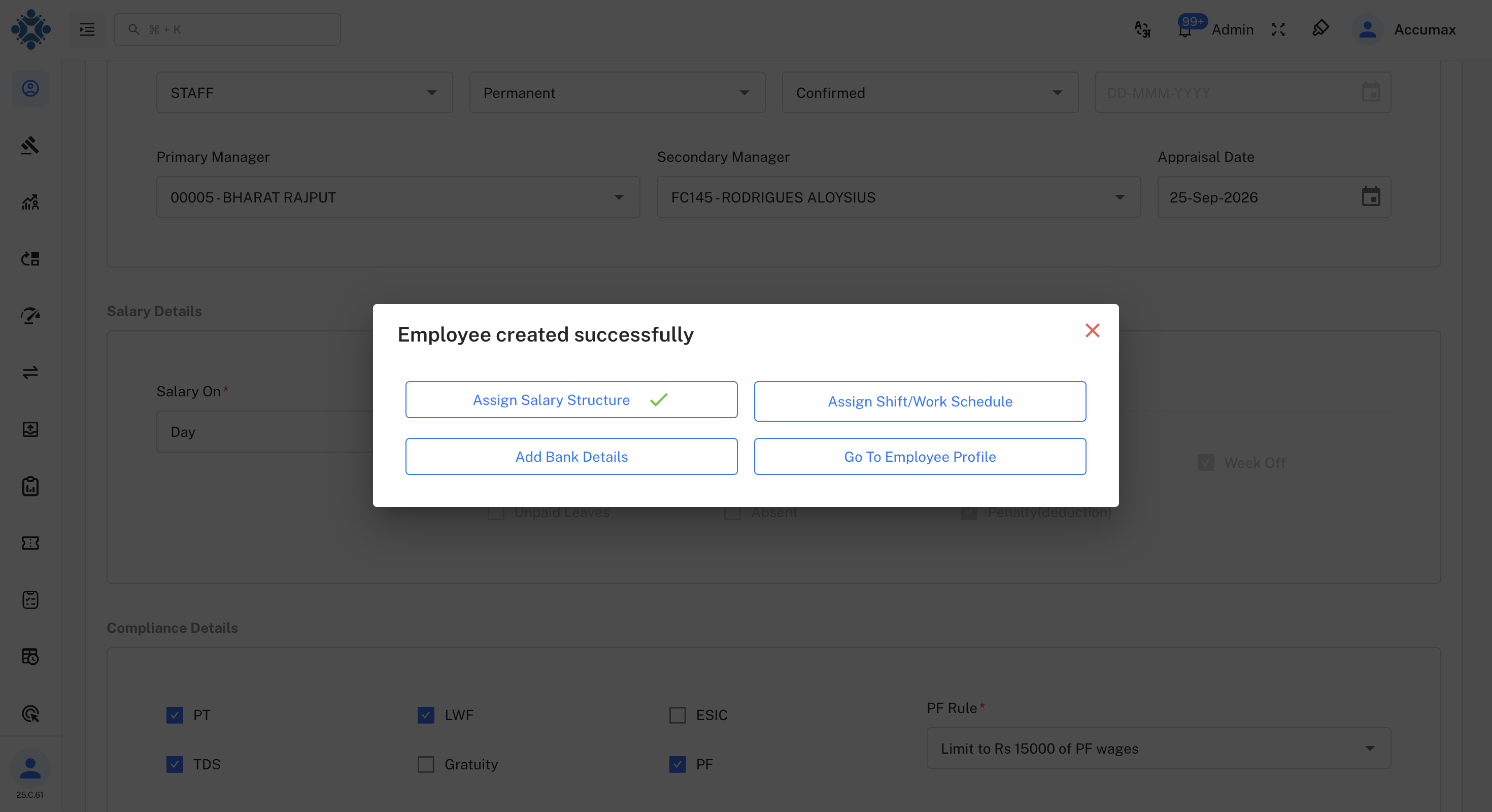
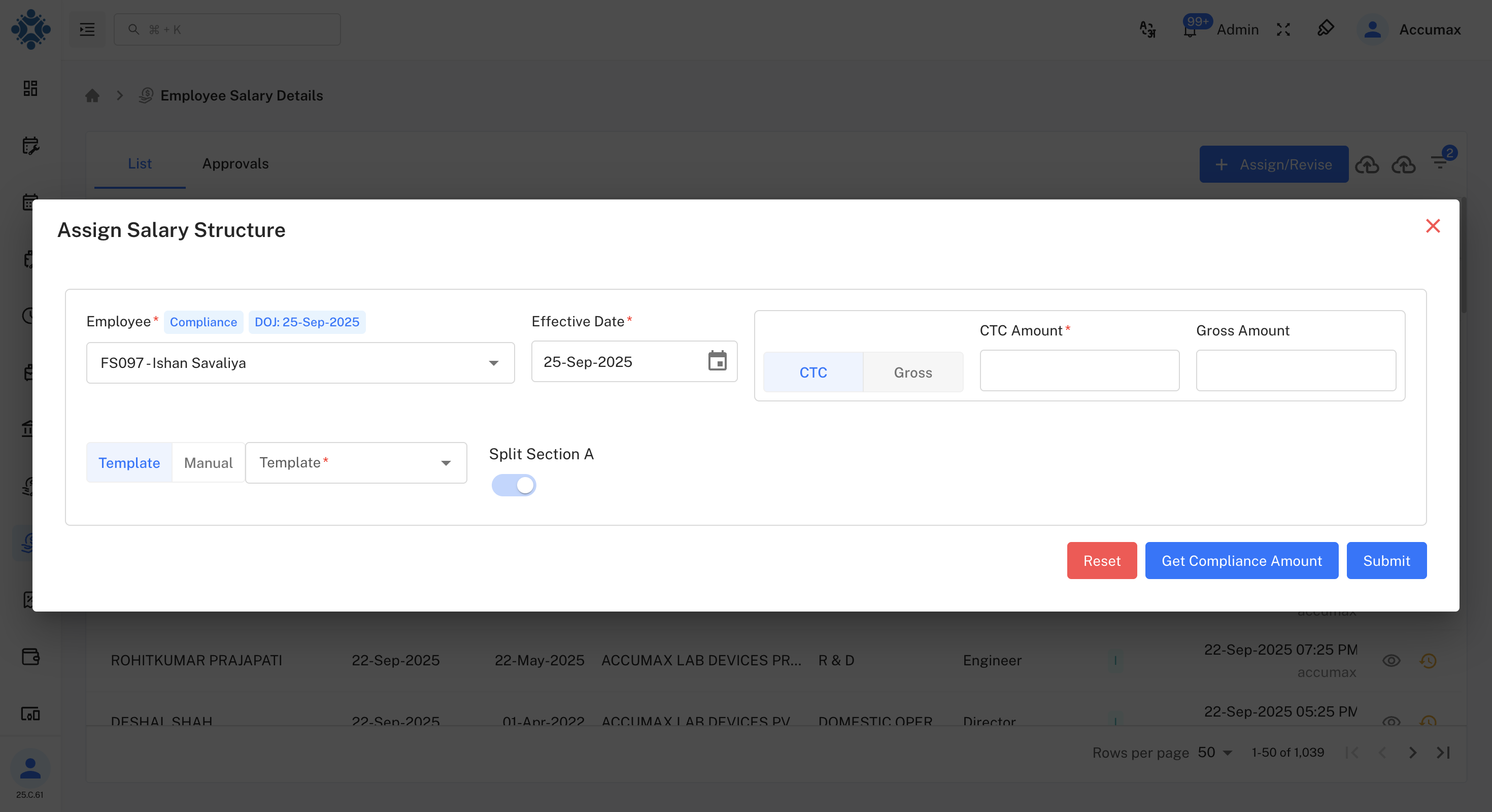
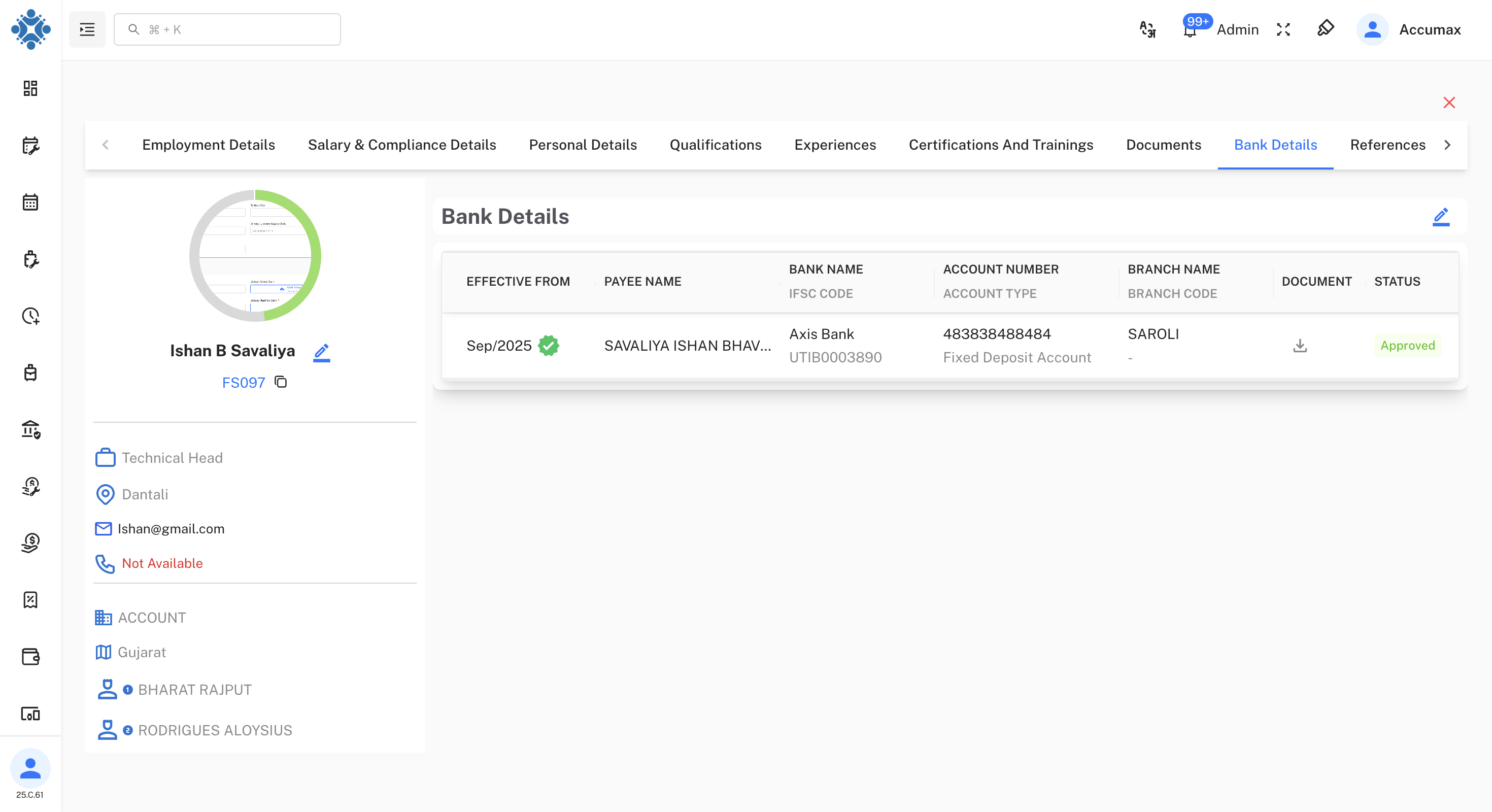
Step 3: Post-Conversion Actions
After successful conversion, a modal appears with essential next steps.
Next: Learn about Post-Onboarding Setup to complete the employee integration process with final configuration steps.