Individual Candidate Management
Last Updated: September 28, 2025 Document Version: 1.0 Prepared for: Emgage HRMS Implementation Team
Individual Candidate Management
For targeted recruitment scenarios, the system provides two distinct methods for adding individual candidates. Each approach serves different use cases and administrative needs, from direct data entry to personalized candidate experiences.
Method Overview
Individual candidate management offers precision and personalization in the recruitment process, allowing administrators to:
- Target Specific Talent: Focus on particular individuals with desired skills.
- Provide Personalized Experience: Create custom onboarding paths for VIP candidates.
- Maintain Direct Control: Oversee every aspect of the candidate journey.
- Ensure Data Quality: Direct input ensures accurate and complete information.
Method A: Add Details (Admin-Filled Form)
This method allows administrators to input candidate information directly, creating complete records without candidate involvement.
When to Use "Add Details"
Ideal Scenarios:
- Information collected through phone interviews or meetings.
- Recruitment fair or event data collection.
- Referrals with complete information already available.
- Urgent hiring situations requiring immediate processing.
- Candidates who prefer not to complete forms themselves.
"Add Details" Process
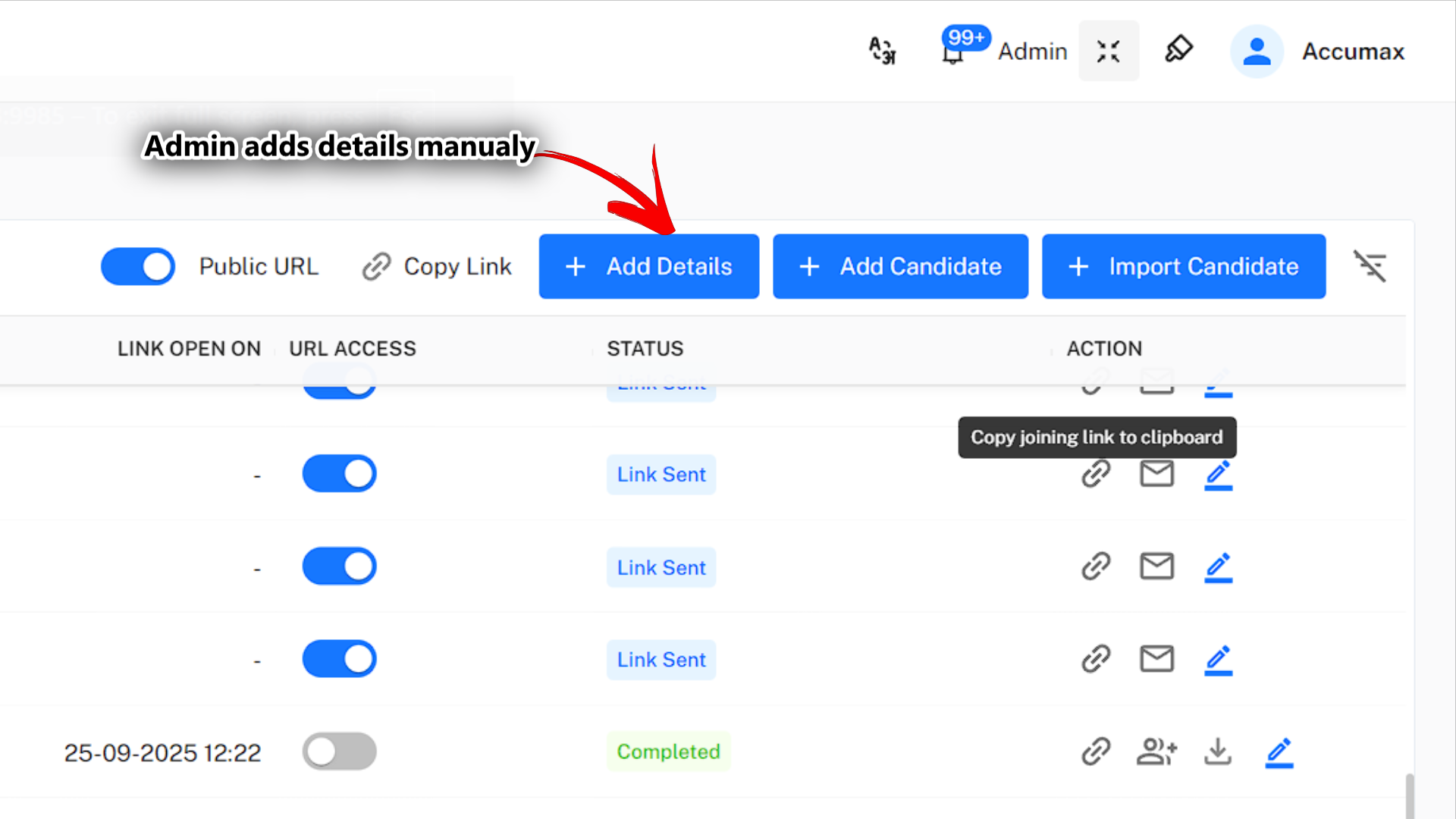
Step-by-Step Process:
- Access the Form: Click the "Add Details" button from the main dashboard.
- Complete Information: Fill out all required candidate information fields.
- Review and Validate: Ensure the accuracy of all entered data.
- Submit Record: Save the complete candidate profile.
- Automatic Status: The record is immediately marked as "Completed".
Method B: Add Candidate (Candidate-Invited Form)
This approach creates personalized invitations for candidates to complete their own applications through unique, secure links.
When to Use "Add Candidate"
Ideal Scenarios:
- High-value candidates requiring personalized attention.
- Compliance requirements for candidate self-declaration.
- Situations where candidate input ensures accuracy.
- When building candidate engagement and buy-in.
- Multi-stage interview processes require candidate participation.
"Add Candidate" Process
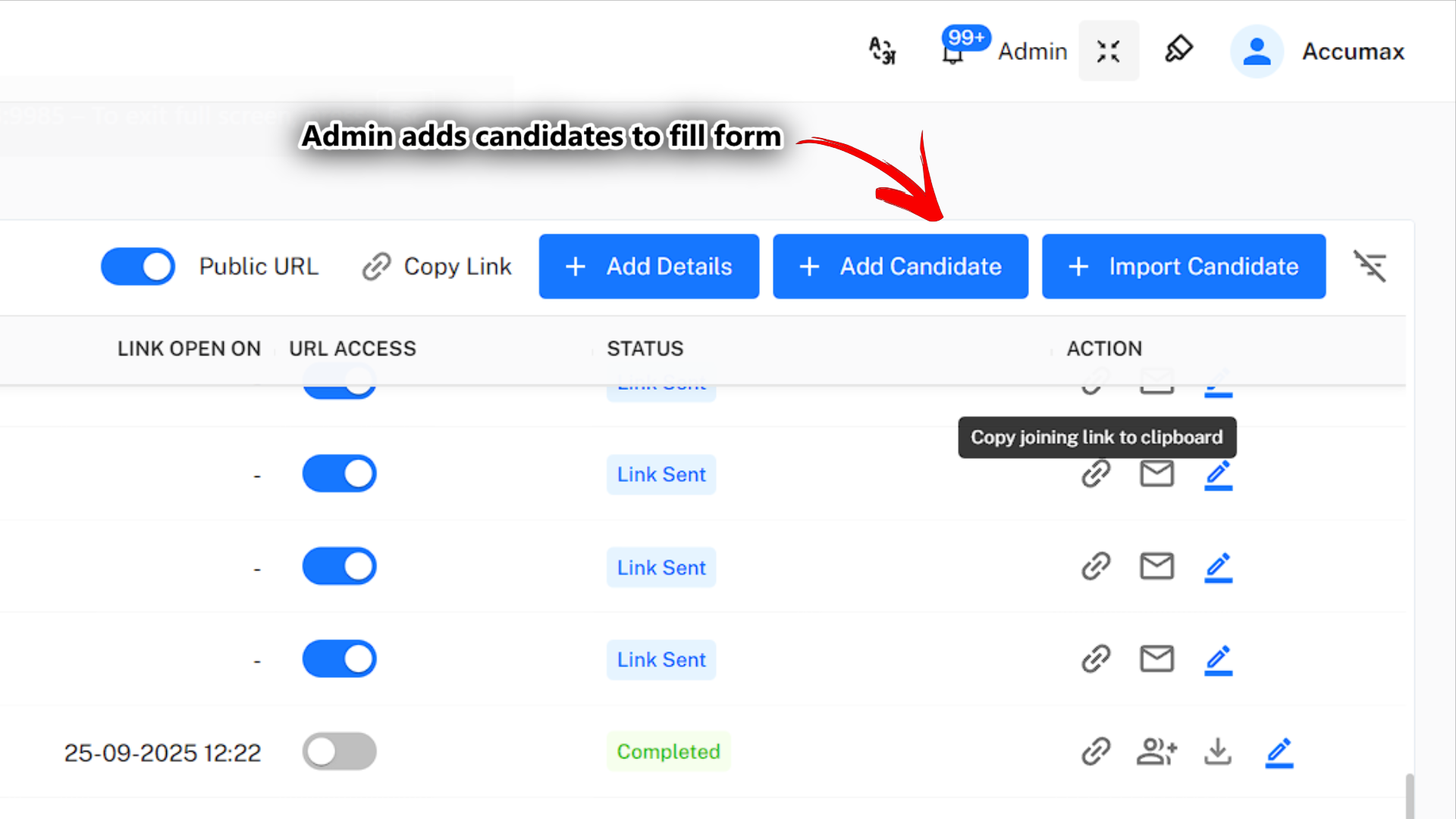
Initial Setup Steps:
- Access Invitation Form: Click "Add Candidate" from the dashboard.
- Enter Basic Information: Input the candidate's name and email address.
- Customize Invitation: Personalize the invitation message and content.
- Set Parameters: Configure deadlines, reminders, and access permissions.
- Send Invitation: The system generates a unique link and sends an email.
Next: Explore the Bulk Import Process for efficient mass candidate onboarding through Excel spreadsheet uploads.