Joining Form: View Button Process
Last Updated: January 01, 2026 Document Version: 1.0 Prepared for: Emgage HRMS Implementation Team
The View button in the Joining Form module allows HR personnel and authorized users to securely review employee-uploaded documents without making any changes.
This feature ensures transparency, data accuracy, and compliance during the employee onboarding process.
The View functionality is strictly read-only, helping maintain document integrity while enabling quick verification.
Purpose of the View Button
The View button is designed to:
- Enable quick verification of employee documents.
- Prevent accidental modification of uploaded files.
- Support compliance and audit requirements.
- Improve efficiency during onboarding reviews.
Where is the View Button Located?
To access the View button:
- Navigate to Recruitment and Onboarding → Joining Form.
- Locate the employee record in the list.
- In the Action column, click the View icon (positioned next to the Edit icon).

What Happens When You Click View?
When the View button is clicked, the system performs the following actions:
- Displays a list of all documents uploaded by the employee.
- Shows each document with its Document Type and Document Name.
- Provides a View icon for each document.
- Allows viewing one document at a time for clarity and focus.
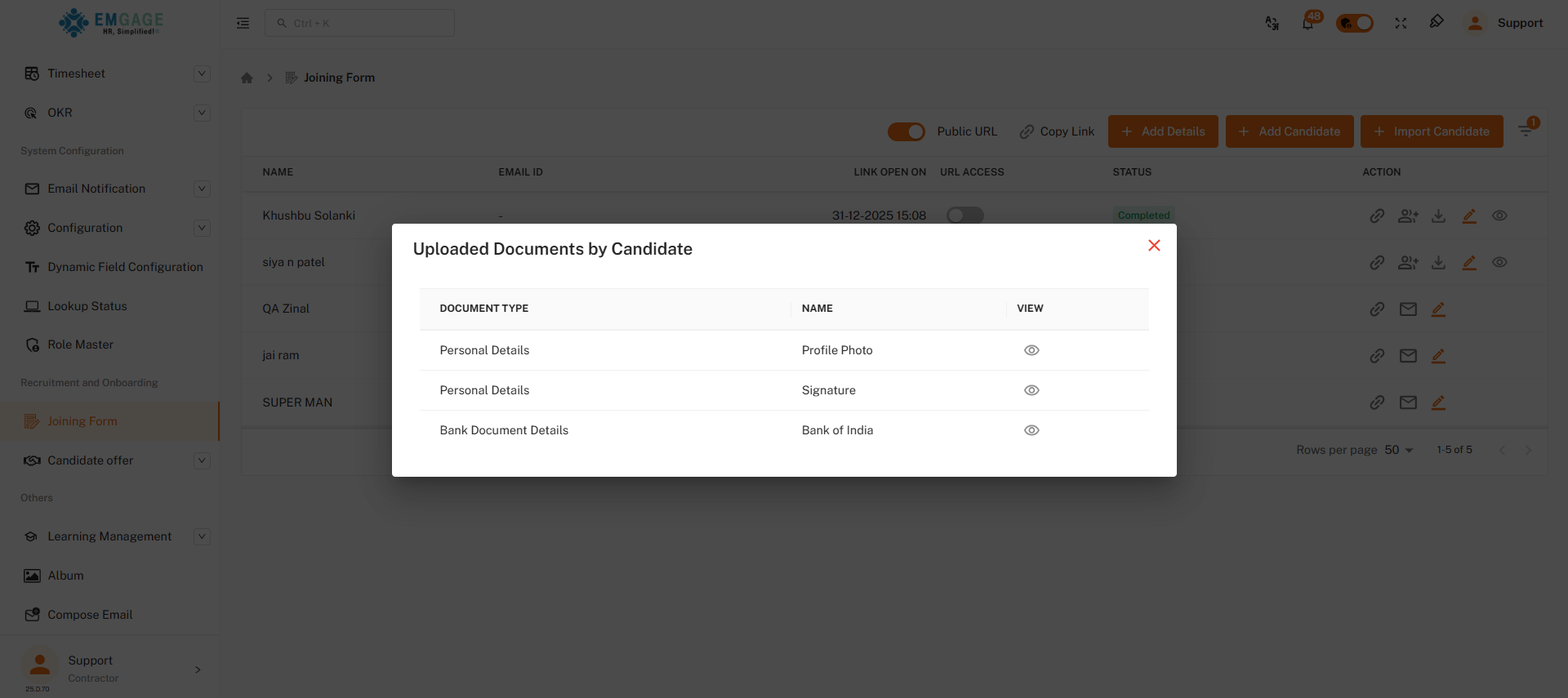
Document Preview
When a document is selected for viewing:
- Only one document image is displayed at a time.
- Navigation is restricted to viewing only (no edit, replace, or delete options).
- This ensures distraction-free and accurate document verification.
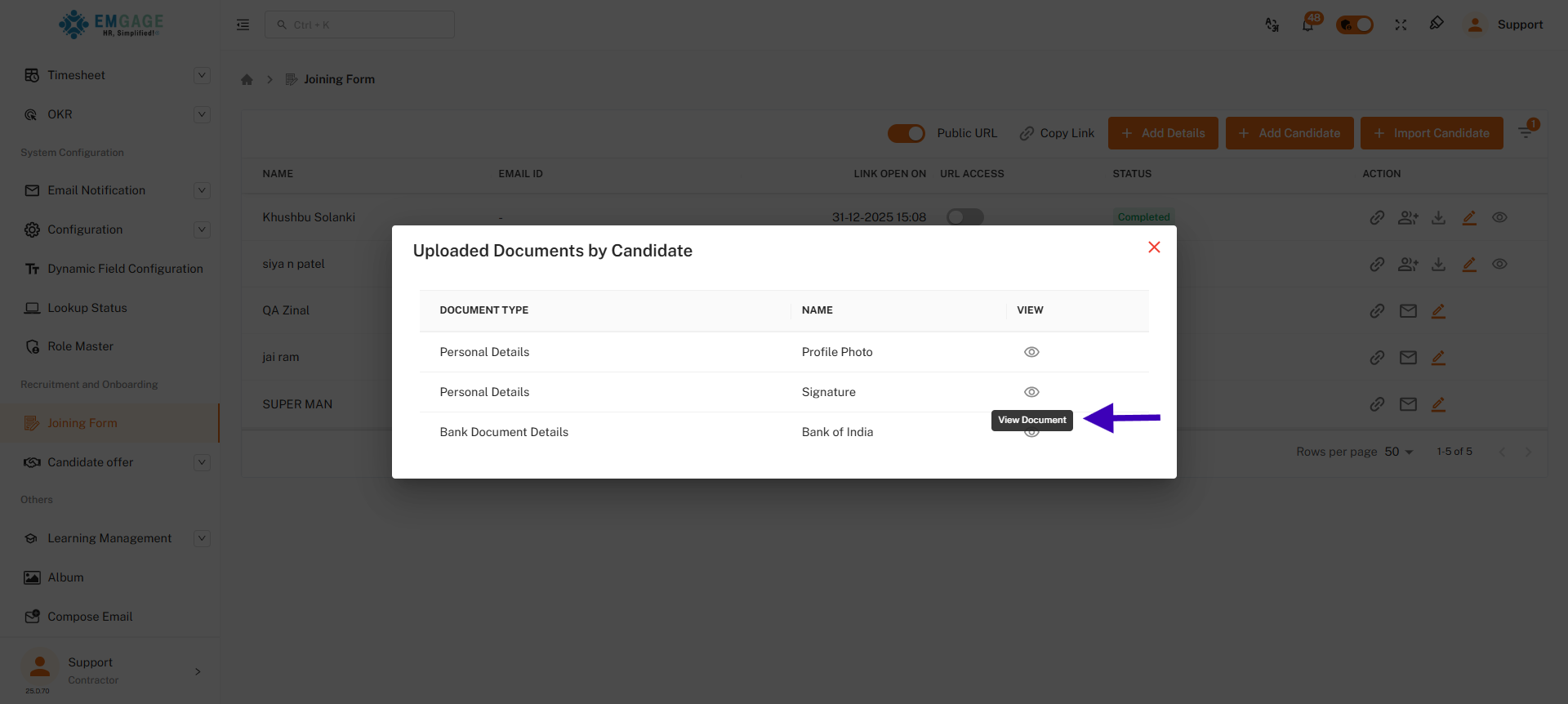
- This is how the system displays the selected document, showing one document at a time for clear viewing.
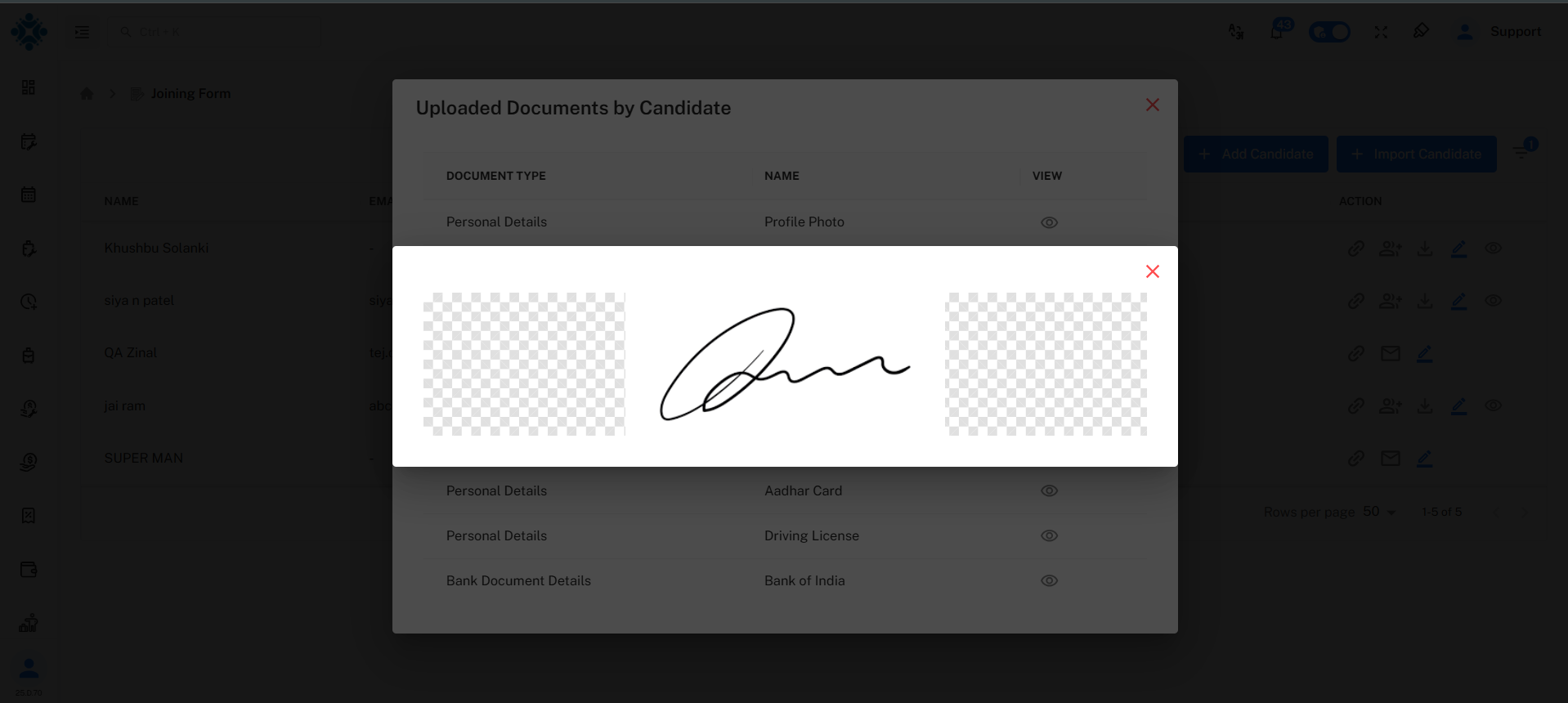
This video demonstrates the complete process of view button.
- The View button is visible only to authorized users.
- All document access is logged for audit purposes.
- No download or modification is permitted unless explicitly allowed.
Summary
The View Button Process in the Joining Form module plays a critical role in ensuring a smooth, secure, and reliable onboarding experience. By offering read-only access to employee documents, it balances operational efficiency with strong data governance.
This feature is essential for HR teams to validate employee submissions confidently while maintaining system integrity.