Optional Holiday (OH)
- Optional Holiday (OH) allows employees to choose specific holidays from a predefined optional holiday list as per company policy. This provides flexibility to employees to observe festivals or occasions relevant to their personal, cultural, or regional preferences.
Basic Information
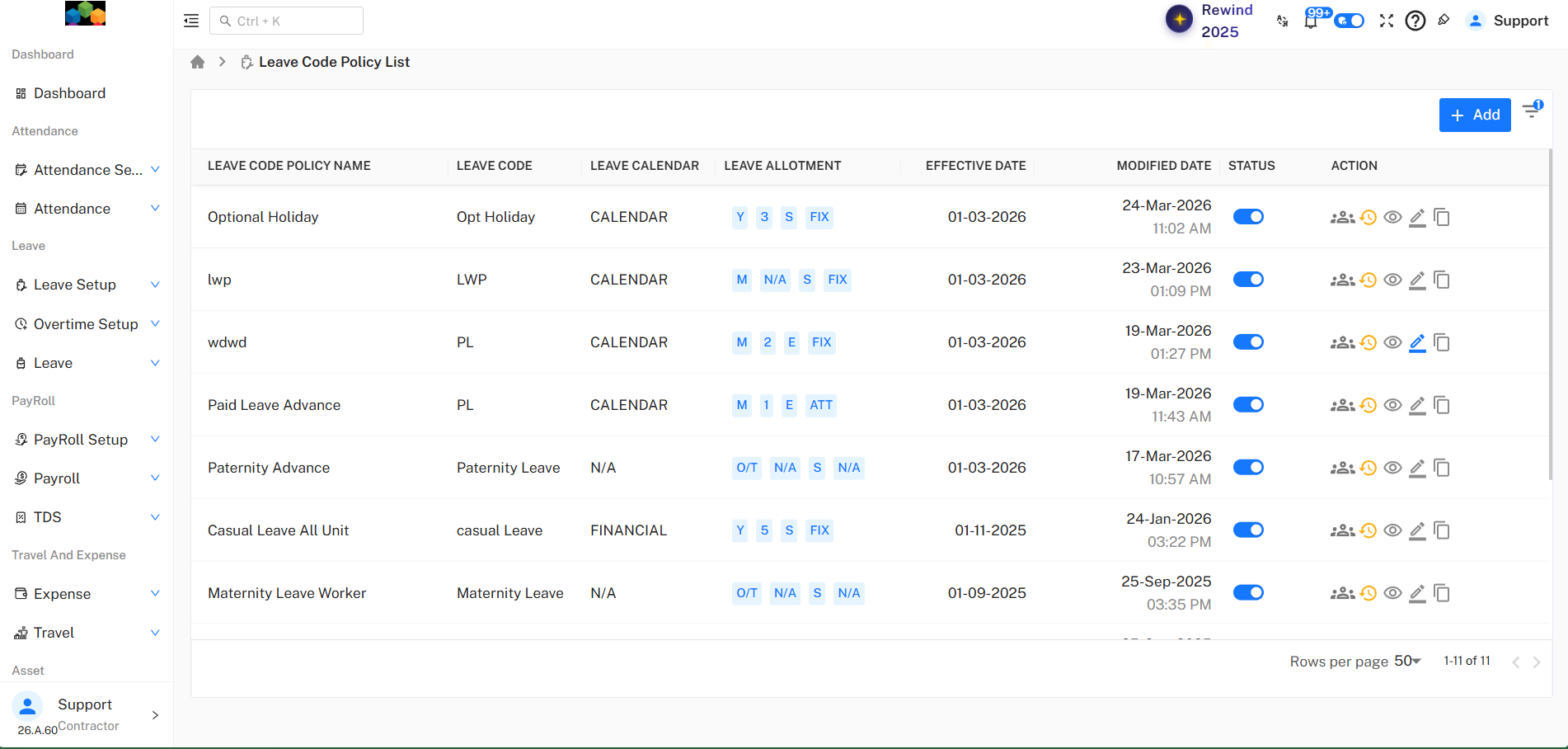
- Policy Name : Optional Holiday Advance
- Leave Code : Opt Holiday
- Description : Optional Holiday Advance (OH)
Calendar Settings
- Leave Calendar : Calendar Year (January – December)
- Policy Start Date : 01-Feb-2026
Year End Settings
- Year End Closing : Manual
- Allow Next Year Leave Requests : Yes
Switching to Advance Settings
Where to Enable Advance Settings
- Use the Advance Configuration toggle at the top-right
- Turn the toggle ON
- Confirm by clicking Yes in the popup
The policy is now converted from Basic Policy to Advance Policy.
Basic Leave Details
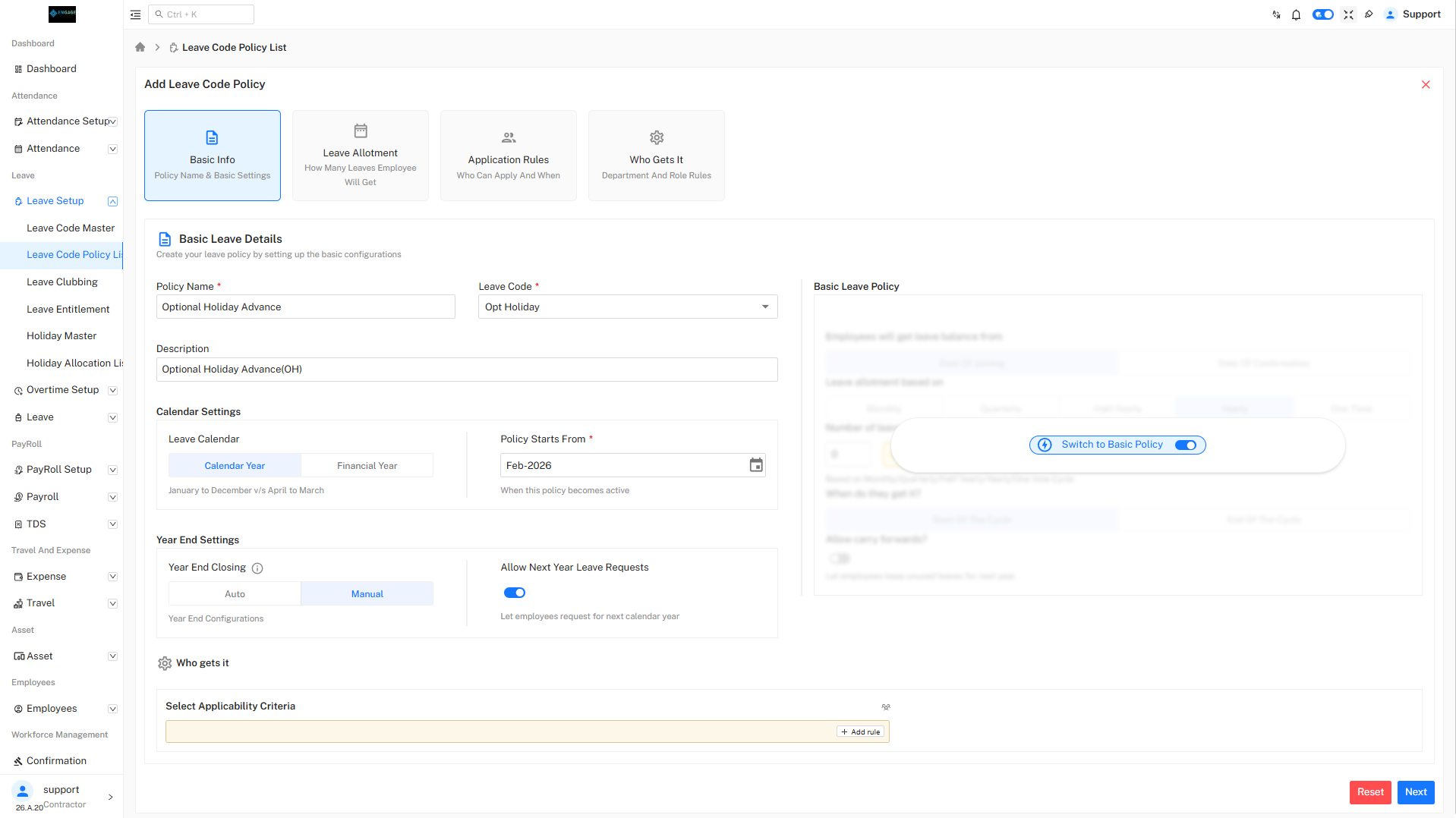
Policy Information
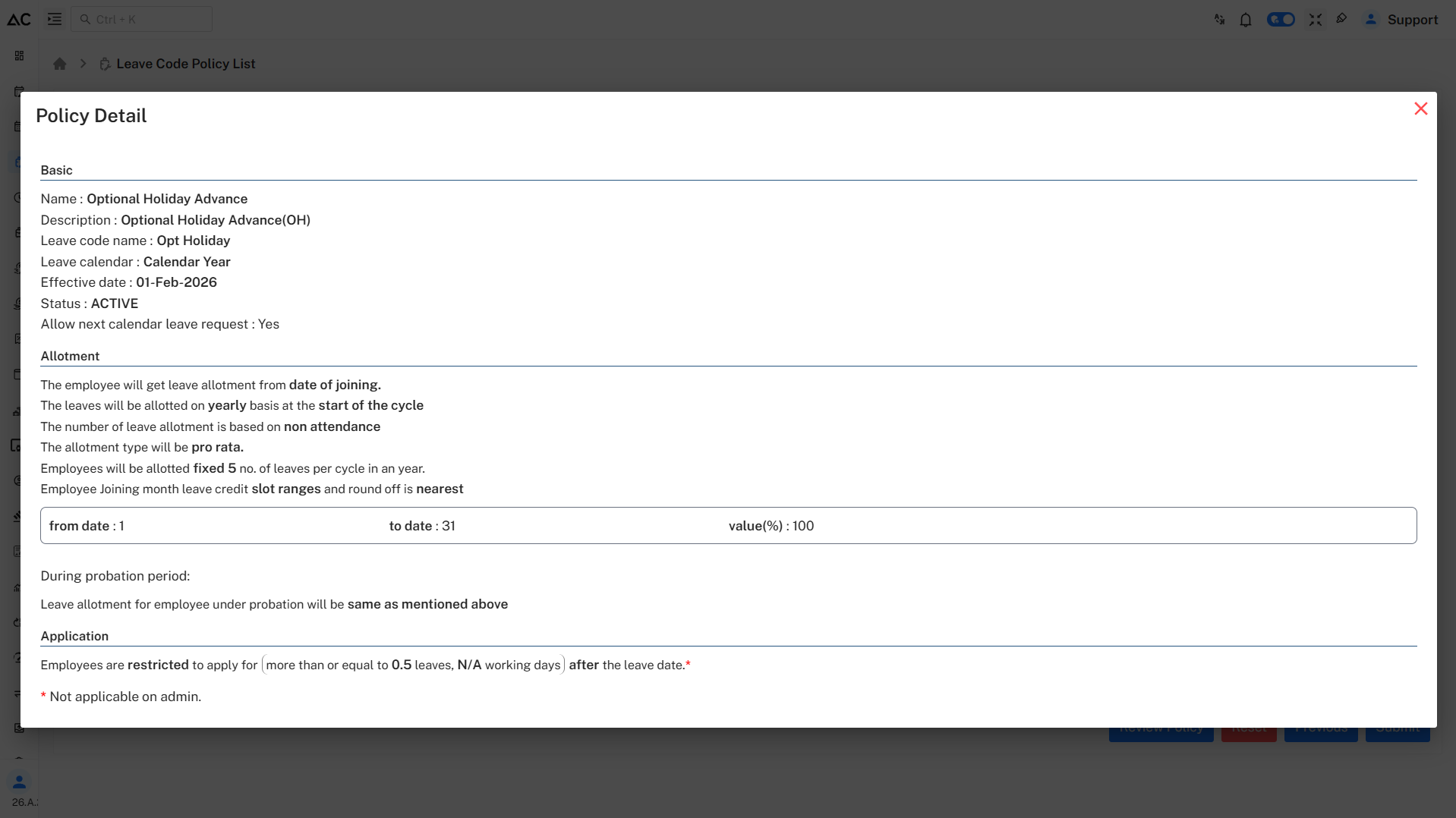
- Policy Name: Optional Holiday Advance
- Leave Code: Opt Holiday
- Description: Optional Holiday Advance (OH)
Calendar Settings
- Leave Calendar: Calendar Year (January to December)
- Policy Starts From: February 2026 (Defines when the policy becomes active)
Year End Settings
- Year End Closing: Manual
- Allow Next Year Leave Requests: Enabled (Employees can request leave for the next calendar year)
Leave Allotment
 `
`
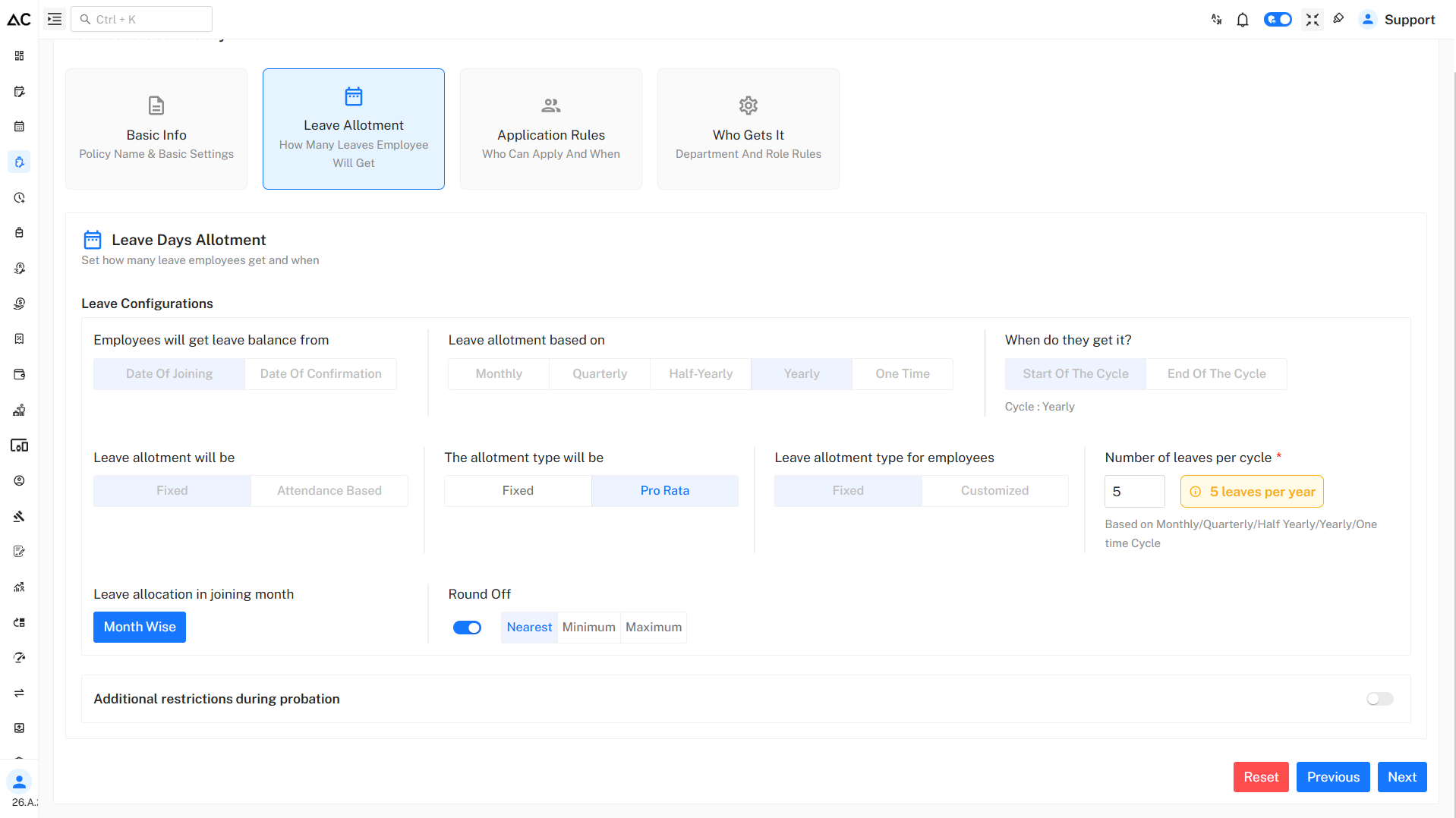
Leave Configuration
- Leave Balance From: Date of Joining
- Leave Allotment Based On: Yearly
- Cycle: Start of the cycle(Yearly)
Allotment Rules
- Allotment Type: Fixed
- Calculation Based On: Non-attendance
- Pro Rata: Enabled
- Round Off: Nearest
Number of Leaves
- Leaves Per Cycle: 5
- Total Leaves Per Year: 5
Probation Rule
- Leave allotment during probation will be same as confirmed employees
Application Rules
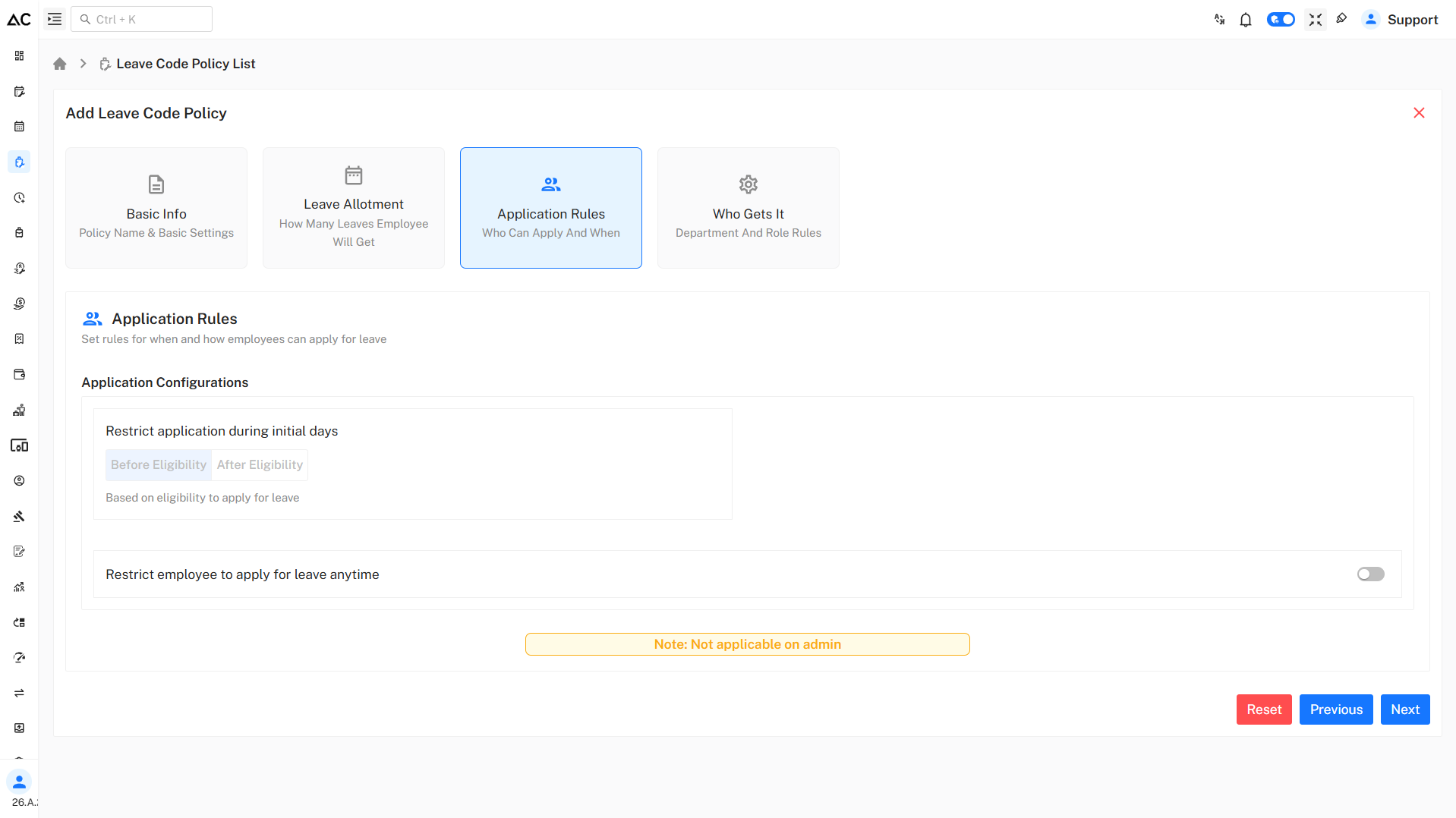
Eligibility Rules
- Employees can apply for leave after the leave date
- Leave balance is visible once the policy becomes effective
Application Restrictions
- Employees are restricted to apply for:
- 0.5 leave or more
- N/A working days after the leave date
- Rules are not applicable to Admin users
Usage Limits & Restrictions
Per Request Limits
- Minimum Leave Per Request: 0.5 day
- Maximum Leave Per Request: As per available balance
Additional Rules
- Optional Holiday cannot be combined with:
- Auto-present attendance policy
- Flexible attendance policy
Carry Forward & Encashment
Carry Forward Rules
- Carry Forward: Not applicable
- Unused Optional Holidays will be lapsed
Encashment
- Encashment on Separation: Not allowed
- Encashment at Year End: Not allowed
Who Gets This Leave
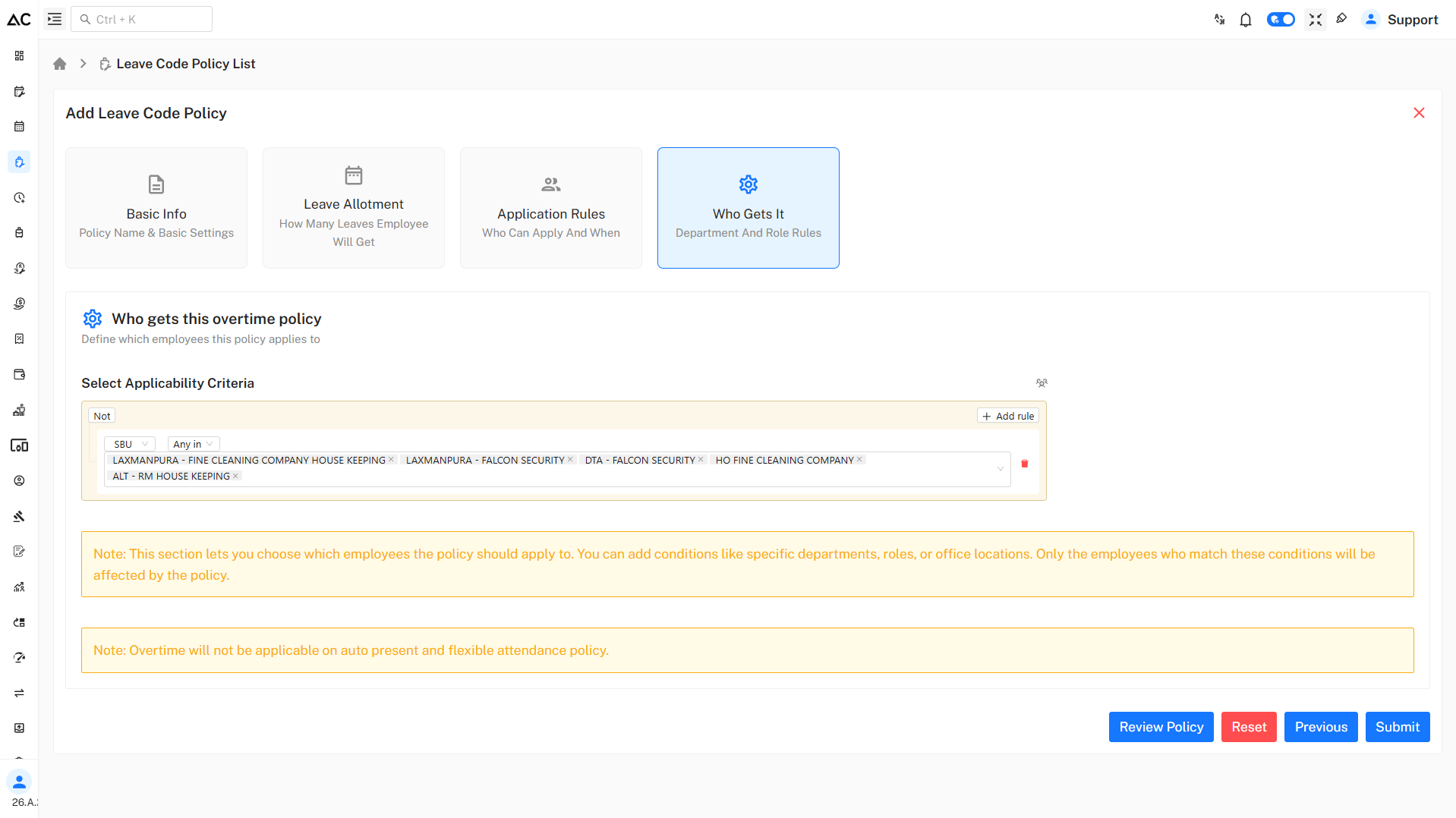
Applicability Criteria
- Leave policy is applicable based on:
- SBU
- Department
- Role
- Location
Only employees matching the defined conditions will be eligible for this Optional Holiday policy.
Note: Optional Holiday will not be applicable to auto-present and flexible attendance policies.
Review Policy
- By clicking on the Review Policy button, administrators can review the complete policy before submitting.
- The policy summary will look like this: