Branch Master Administration
Branch Master Administration
The Branch Master module in Emgage HRMS manages branch records for location-specific payroll, compliance, and reporting. Each record includes essential geographic, status and contact information, as well as audit history for swift HR action.
Module Overview
Main functions and capabilities:
Detailed Branch Profiles: Include branch name, code, location/country/state/city, compliance status, time zone, and contact information.
Compliance Status: Highlight branch regulatory conformance with a “Compliance” badge.
Real-Time Activation: Toggle branch status for live payroll vs. maintenance mode.
History & Change Trail: Each branch’s activation/inactivation and detail edits are logged for compliance.
Bulk Export & Filtering: Export branch records to XLS and filter/search by branch, status, state, city.
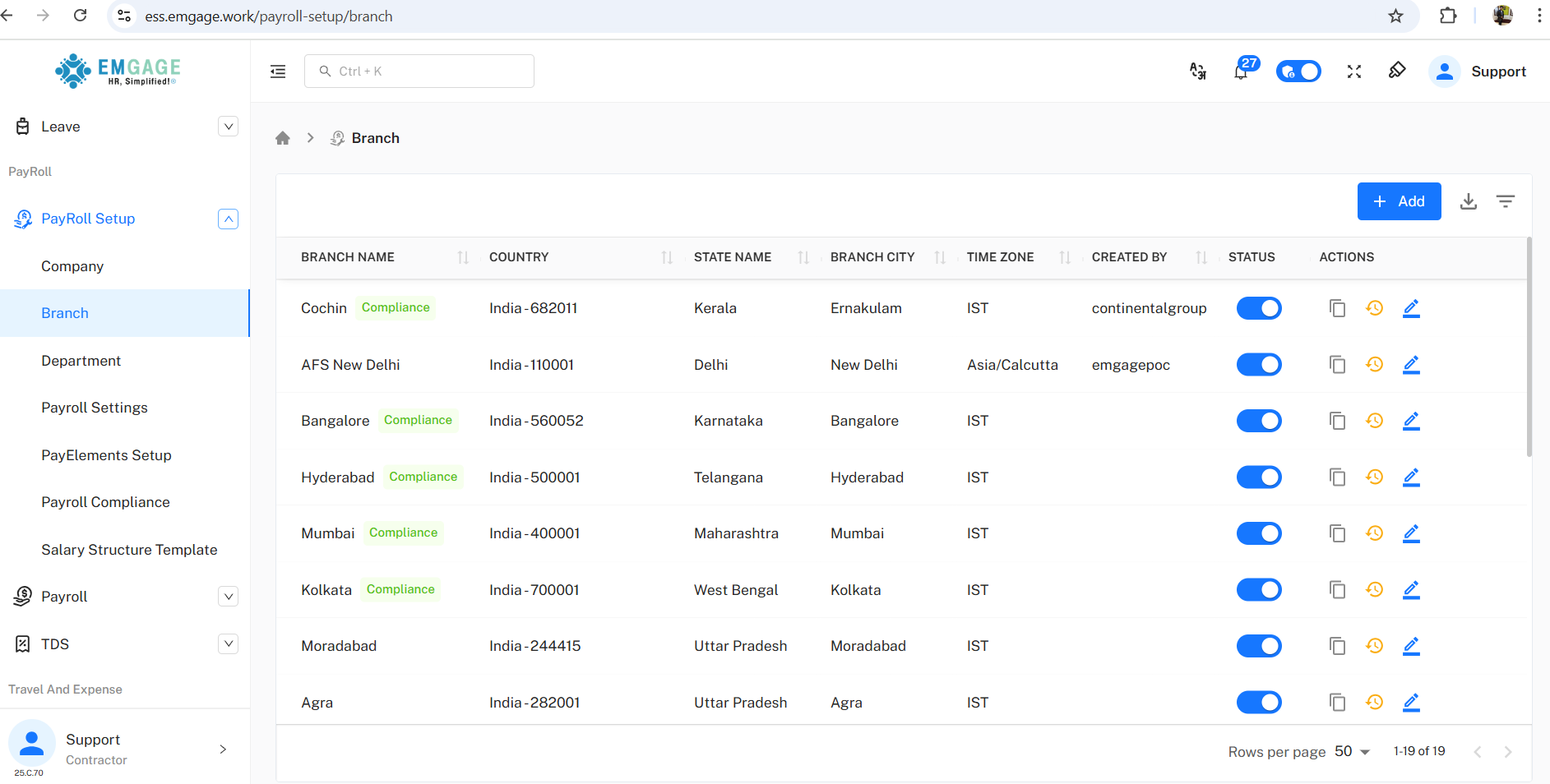
Branch List View
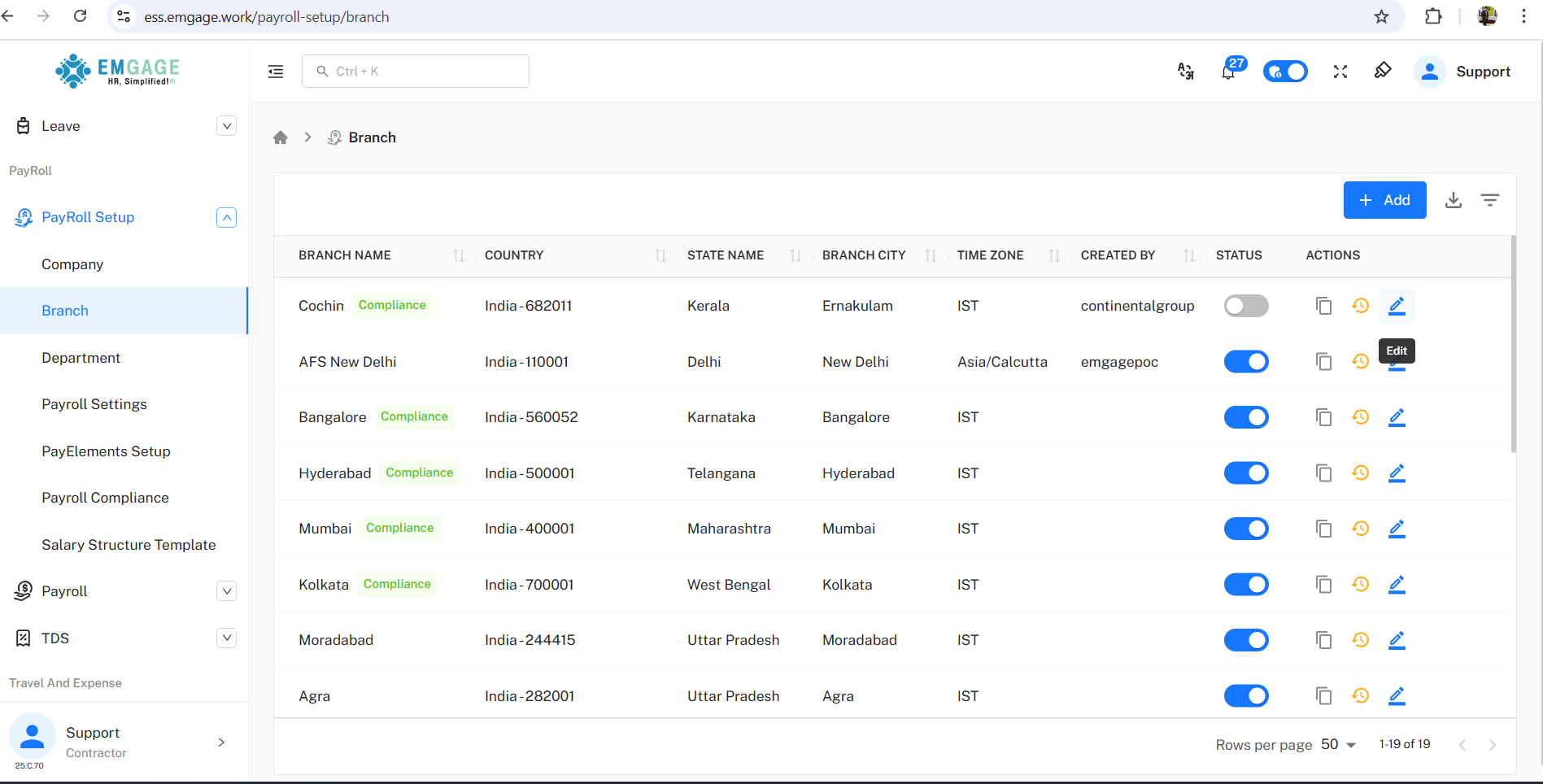
The dashboard provides at-a-glance branch summary and controls for up to 19 locations.
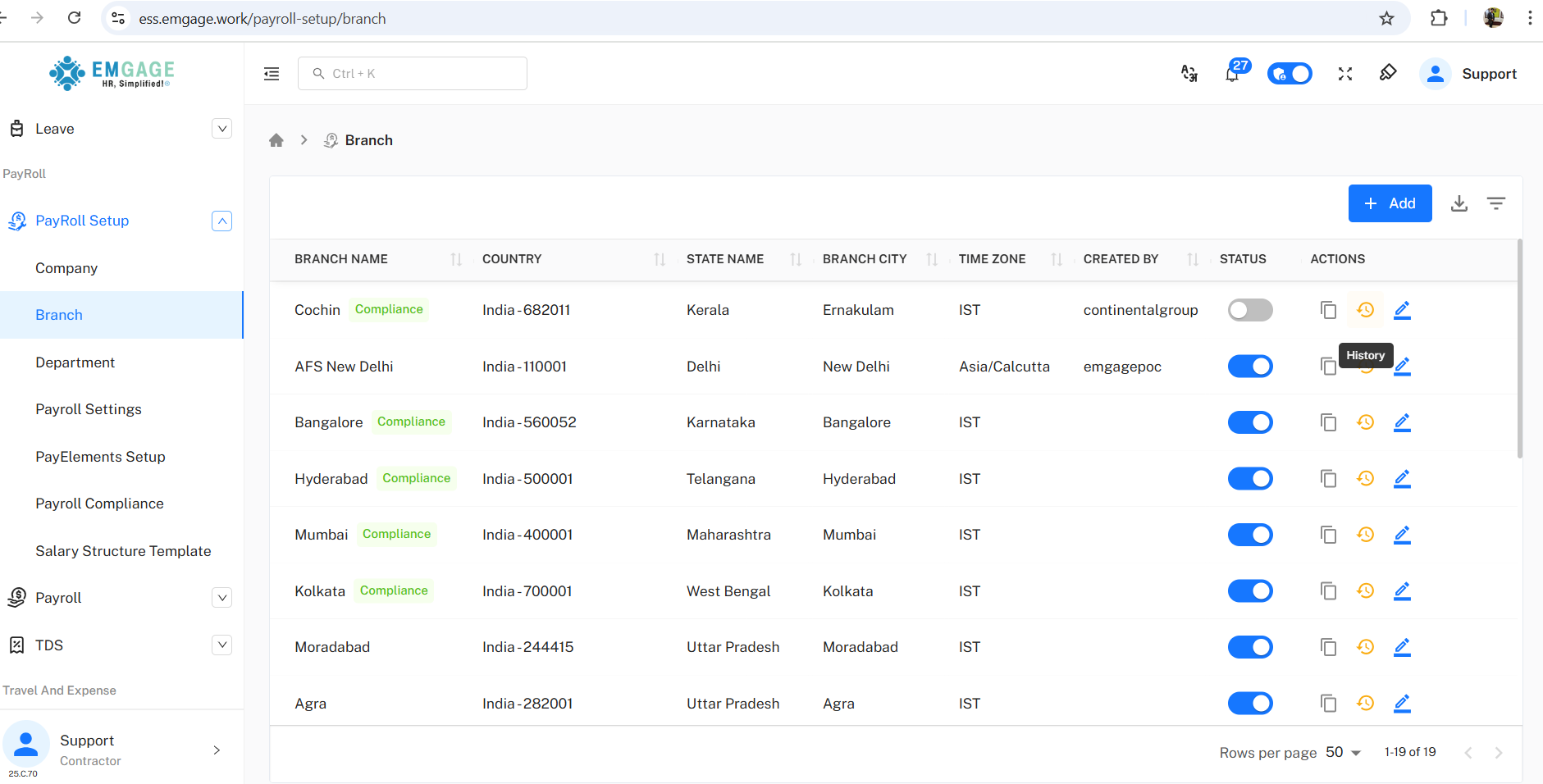
Actions: Instantly edit profile, copy branch settings, and view history for transaction/audit reporting.
Status Toggle: Immediate enable/disable for payroll, compliance, and operational needs.
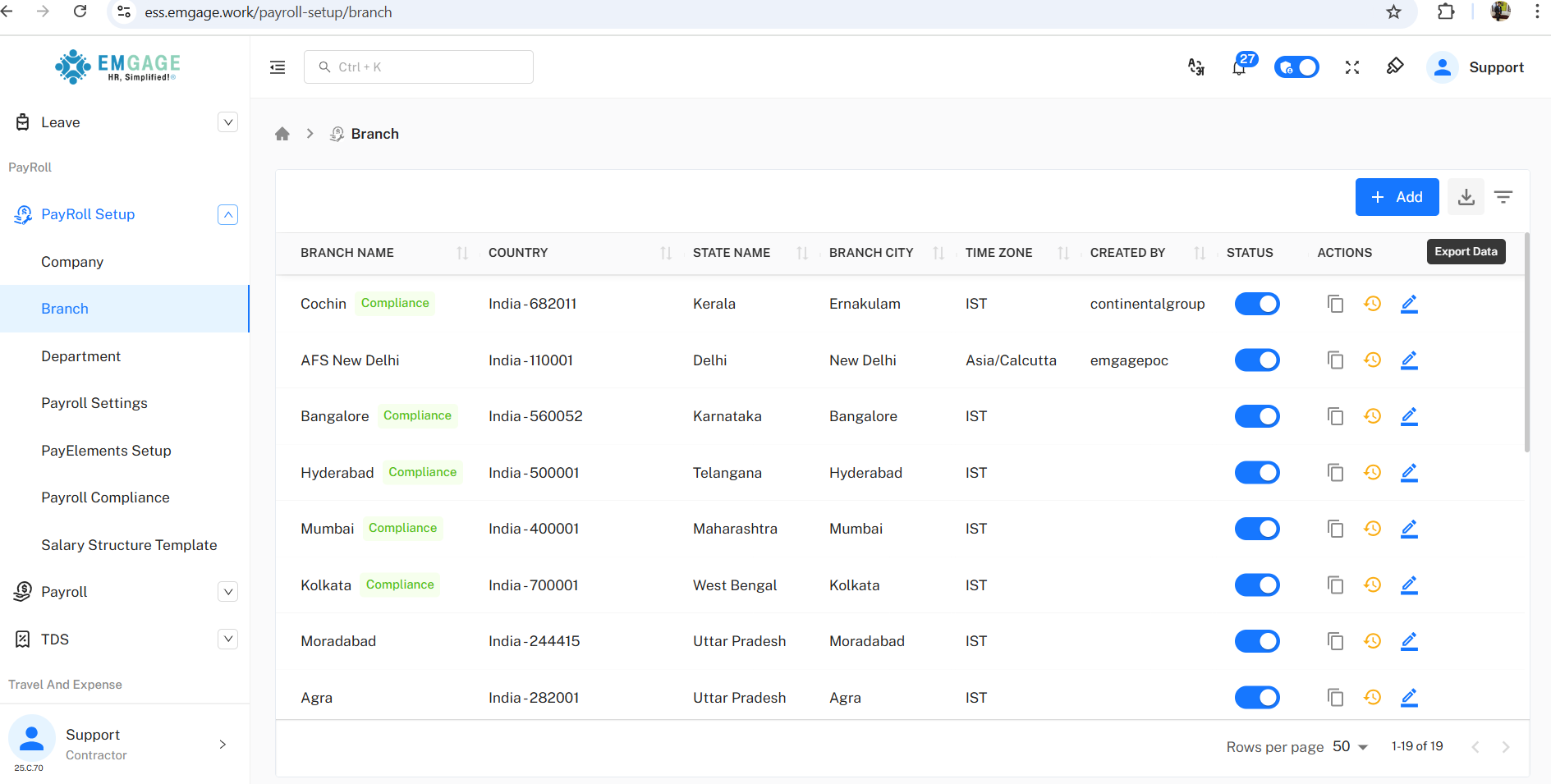
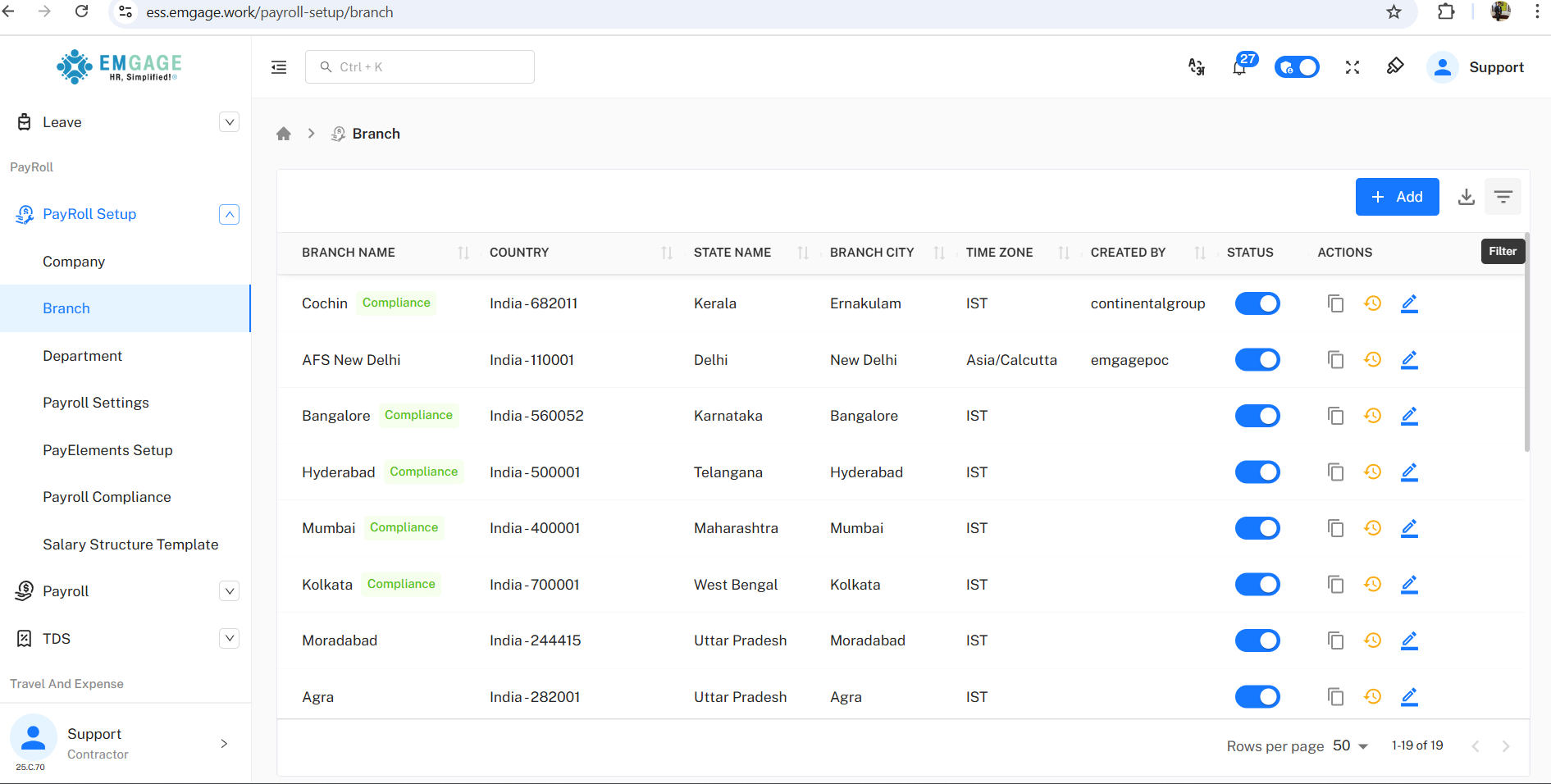
Export/Filter: Download all branch records or filter for analytics or group actions.
Adding & Editing Branches
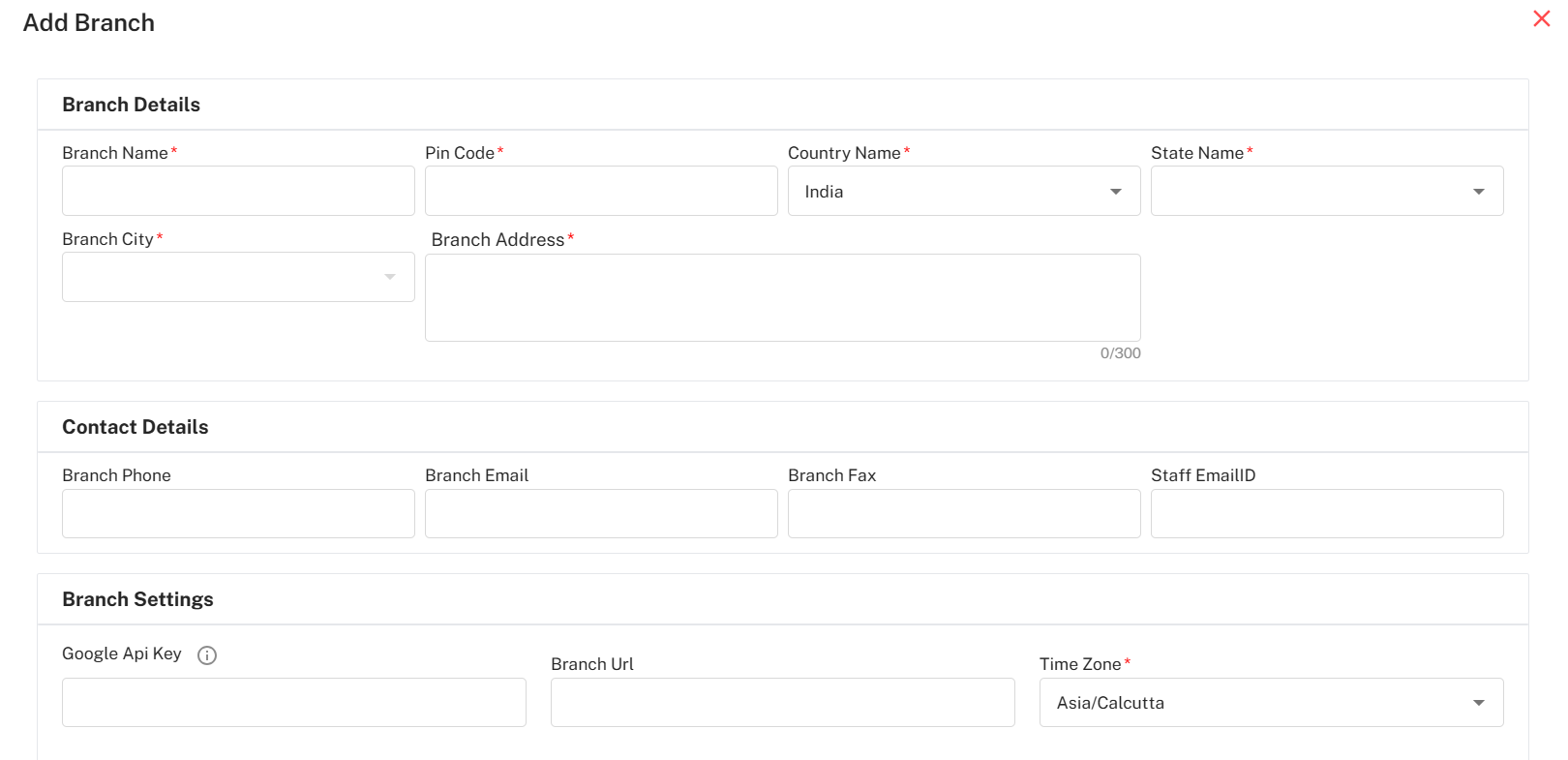
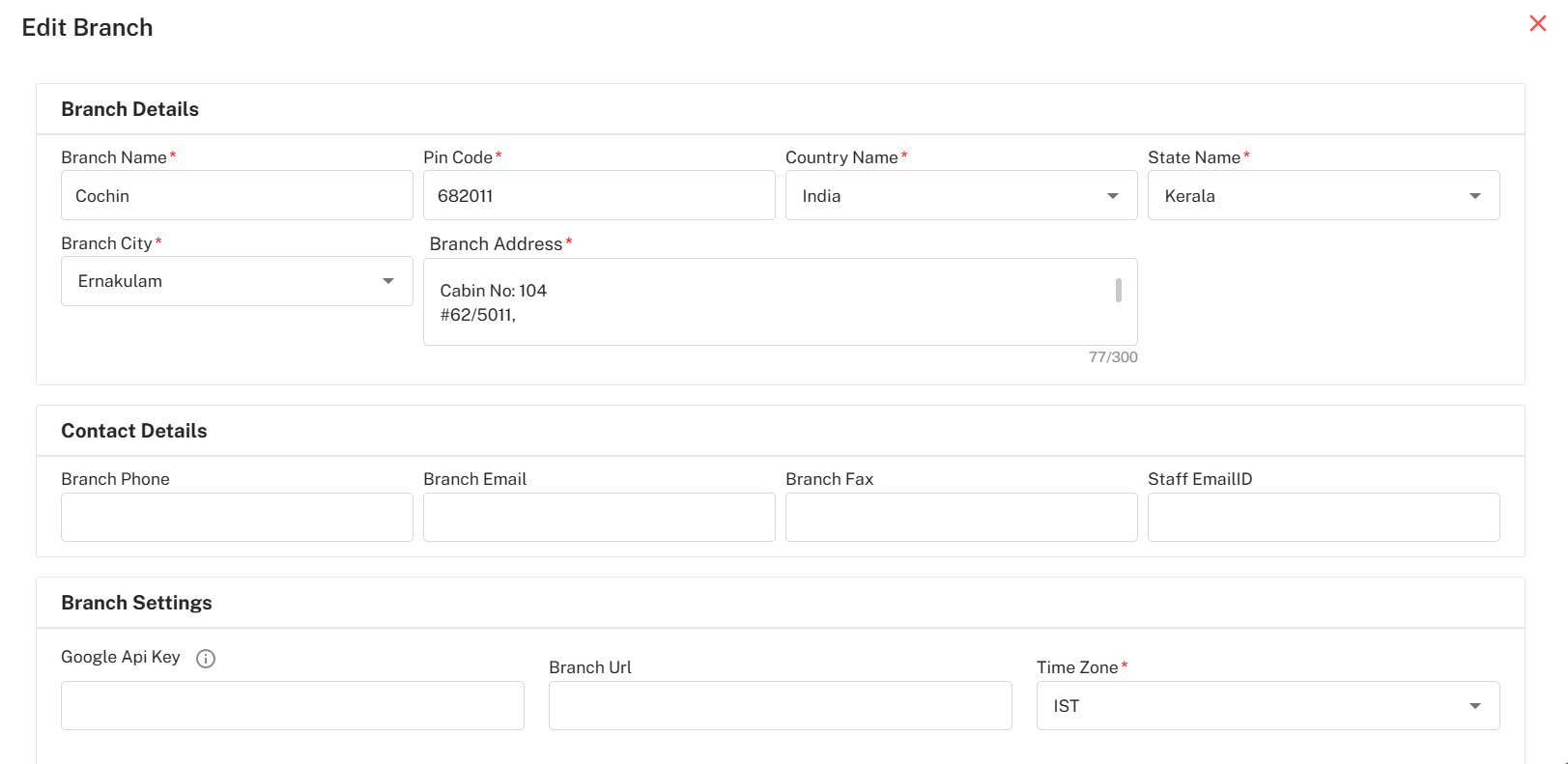
Branch addition and edit screens provide structured data fields:
Branch Details: Name, postal code, country, state, city, address (supports multiline for full locations).
Contact Information: Branch phone, email, fax, staff contact.
Region-Specific: Select time zone (IST, Asia/Calcutta, etc.) for payroll and attendance alignment.
Branch Settings: Optional API keys and URLs for integration.
Dynamic Validation: Red asterisks mark mandatory fields; validation for unique codes and complete addresses.
Bulk Actions & Filters
Bulk Export: Export full branch dataset for audits or compliance in XLS format.
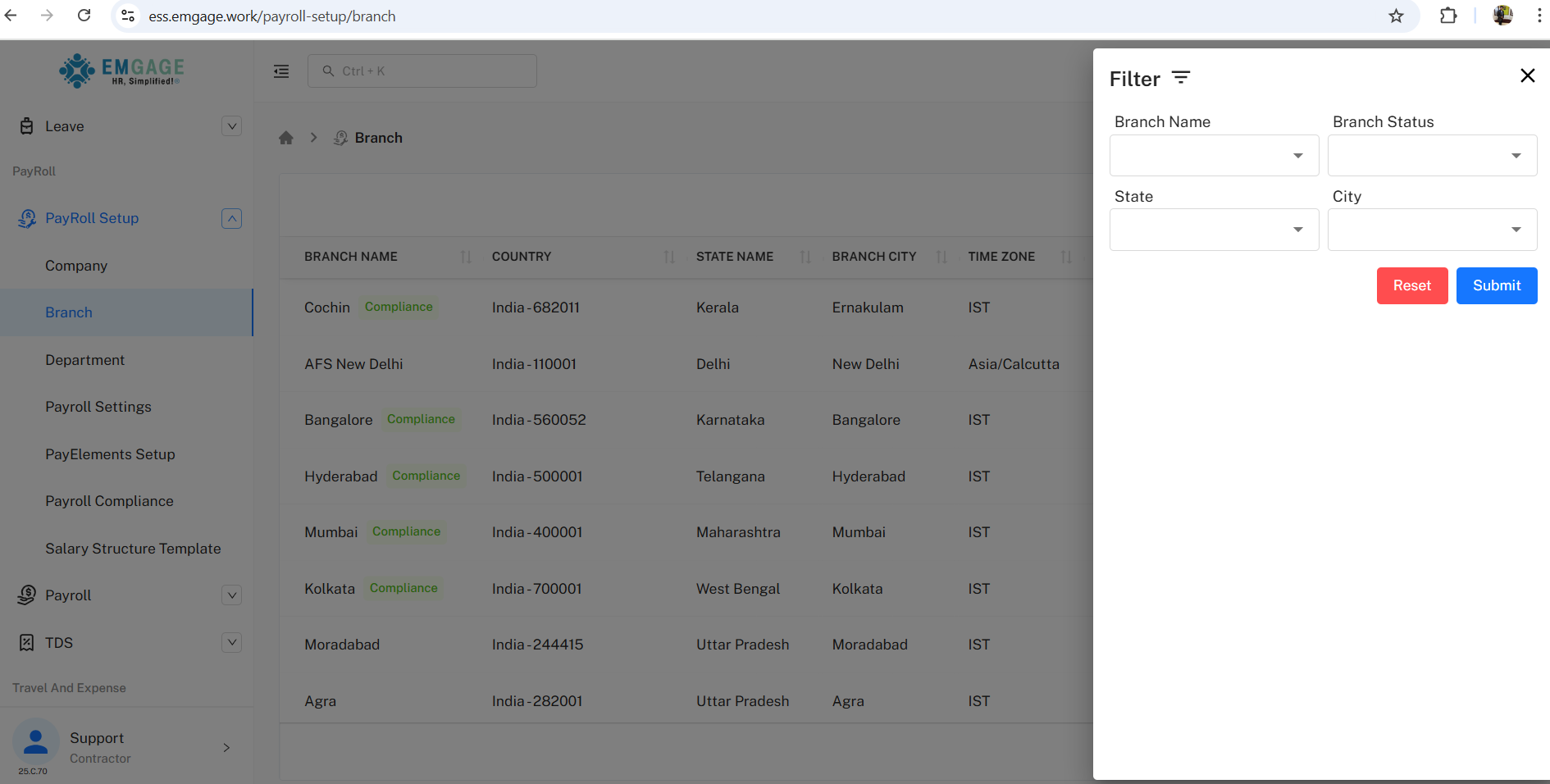
Filter Panel: Filter by name, status, state, city for rapid search and programmatic updates.
Rows per Page: View 50 or more branches for scale.
History & Status Changes
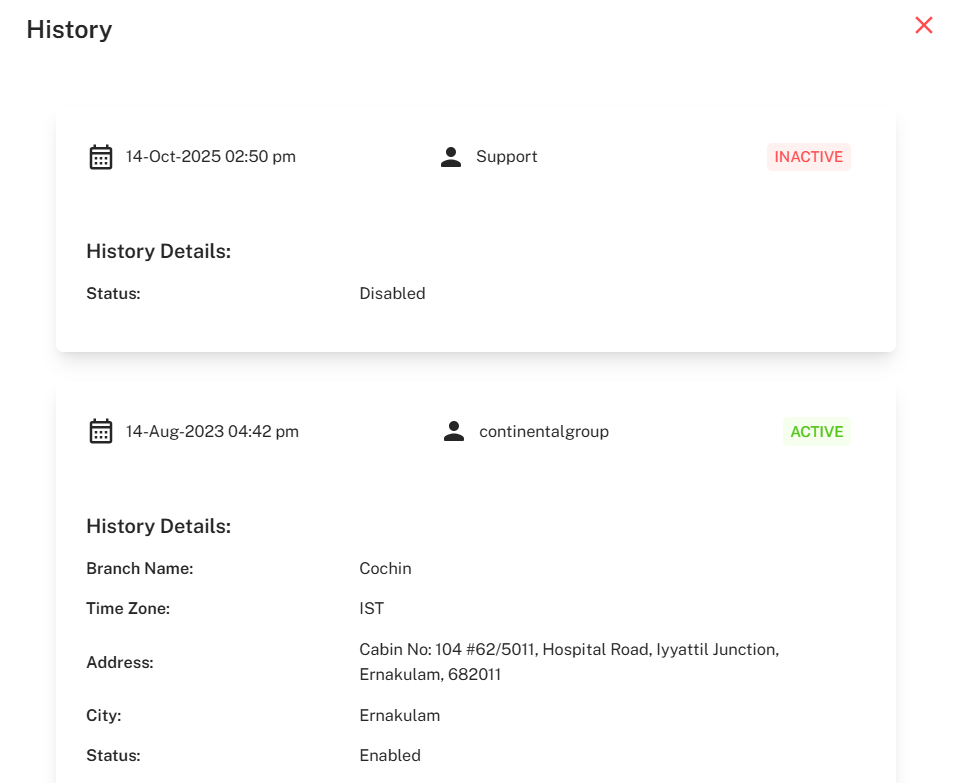
Each activation/inactivation and edit is tracked:
Dialog Confirmation: Deactivation prompts “Are you sure you want to deactivate X?” with No/Yes choice.
Status Change Logging: Every change logs who made it, when, what changed, and whether branch active/compliant.
Example: Support deactivated Cochin branch on 14-Oct-2025 at 2:50 pm; previously enabled by continentalgroup on 14-Aug-2023 at 4:42 pm.
Detail Audit: Retains branch settings, addresses, time zone, staff contacts, compliance tags, and previous status.
Best Practice Workflow
Add/Edit Branch: Populate all fields and save—system validates and logs automatically.
Activate/Deactivate: Toggle operational status for payroll/system access.
Audit & Export: Use bulk export and filter features for compliance or bi-annual reporting.
Track Change History: Always review history before major status or address change—ensures traceability for compliance.