Company Master Administration
Company Master Administration
The Company Master module in Emgage HRMS consolidates all essential organizational data in one place, laying the foundation for payroll, compliance, and HR workflows. This includes registration, structure, bank details, and activity history.
Module Overview
Main functions and advantages:
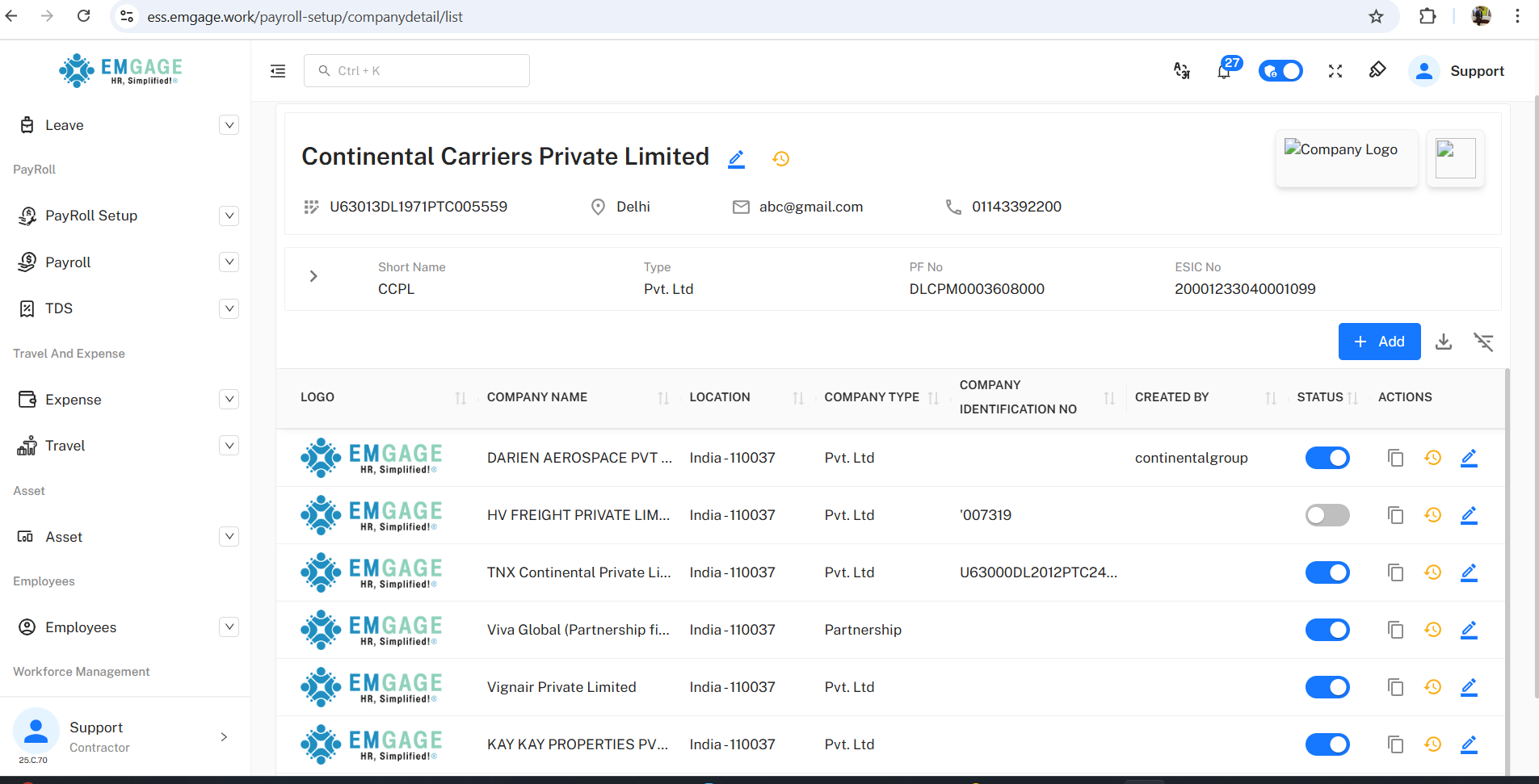
Comprehensive Details: Stores legal, registration, and statutory information — such as company name, registration numbers, GST, PAN, TAN, and entity type.
Multibranch Capable: Supports master setup for multiple companies and branches from a single screen.
Logo & Branding: Allows uploading of company logos and short names for use in salary slips, reports, and portals.
Address & Communication: Includes postal, phone, email, and web data for automatic population in official documentation.
Change Tracking: Monitors all changes with detailed event and user history.
Company Profile Data Entry
Create or update company information using a dedicated form:
Legal Entity Details: Name, short name, registration date, type, identification numbers (Company/GST/PAN/TAN/ESIC/PF).
Branding: Upload logo and mini-logo images for identity in printed/email templates.
Contact Info: Records URL, email, phone, address, country, and city.
Bank Details: Add bank name, account, branch, and IFSC details for payroll payouts.
Dynamic Validation: Red asterisks highlight mandatory fields; system checks for unique identifiers.
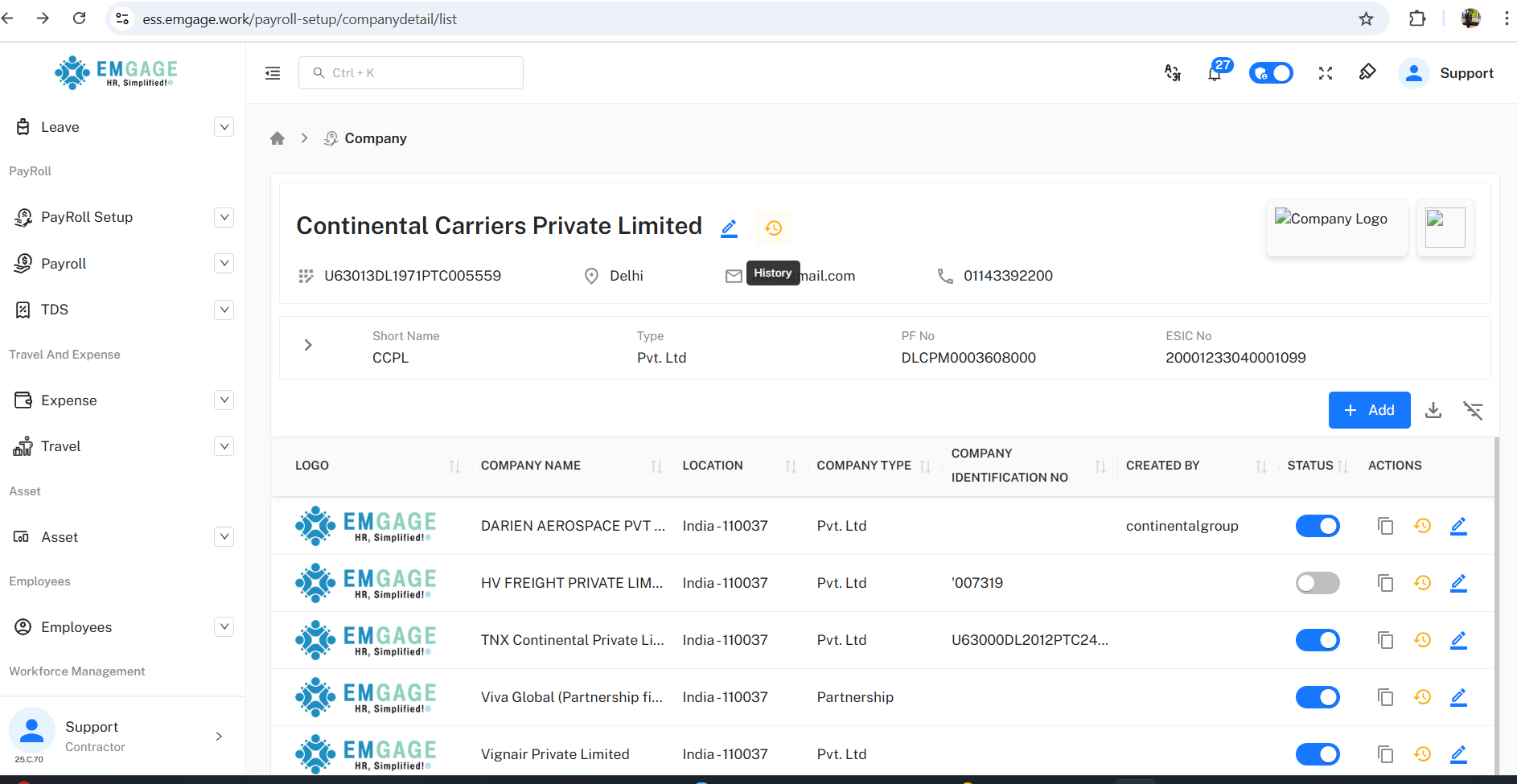
Quick Toggle: Activate or deactivate companies from the master list, e.g., to suspend payroll under specific registrations.
Company List and Actions
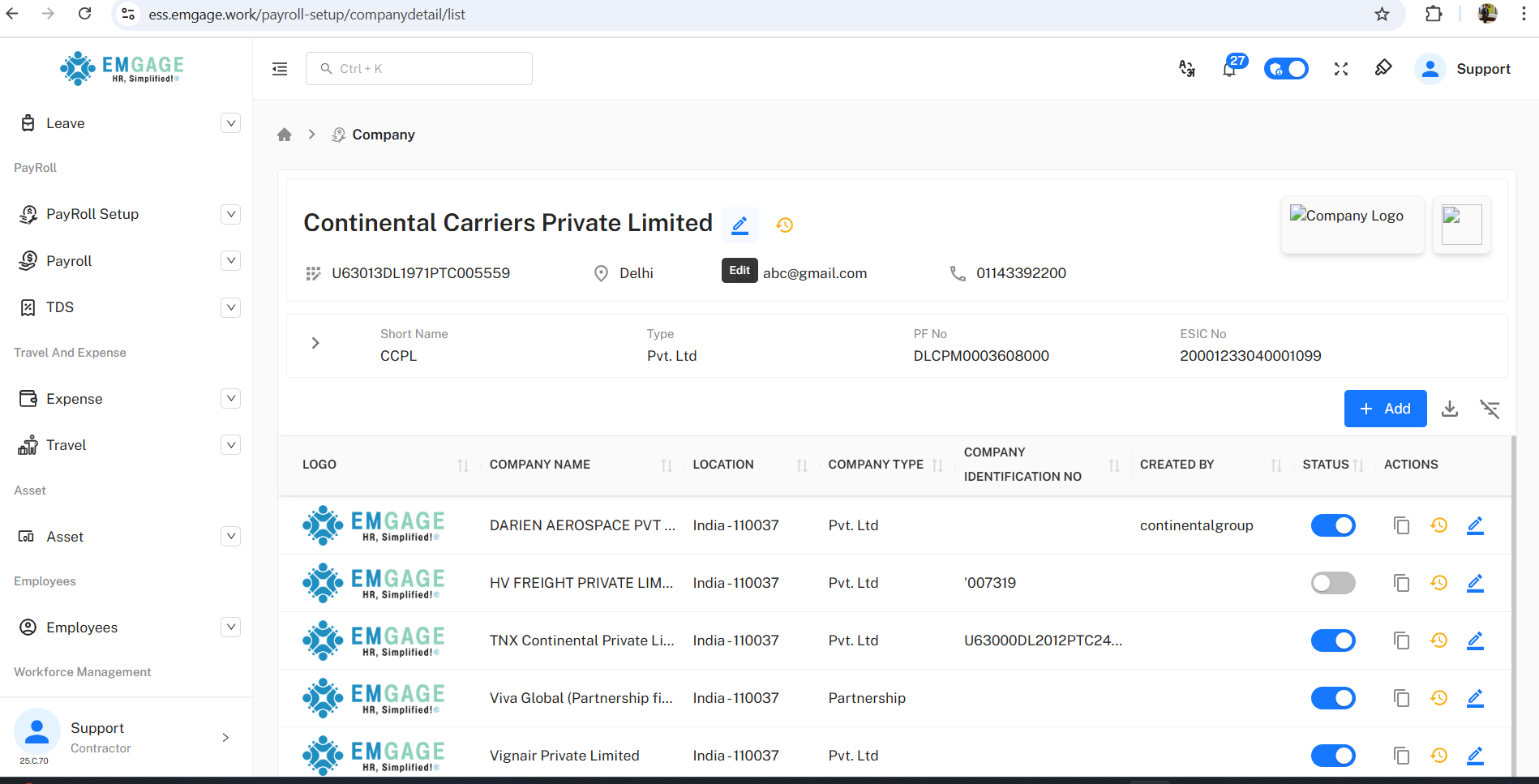
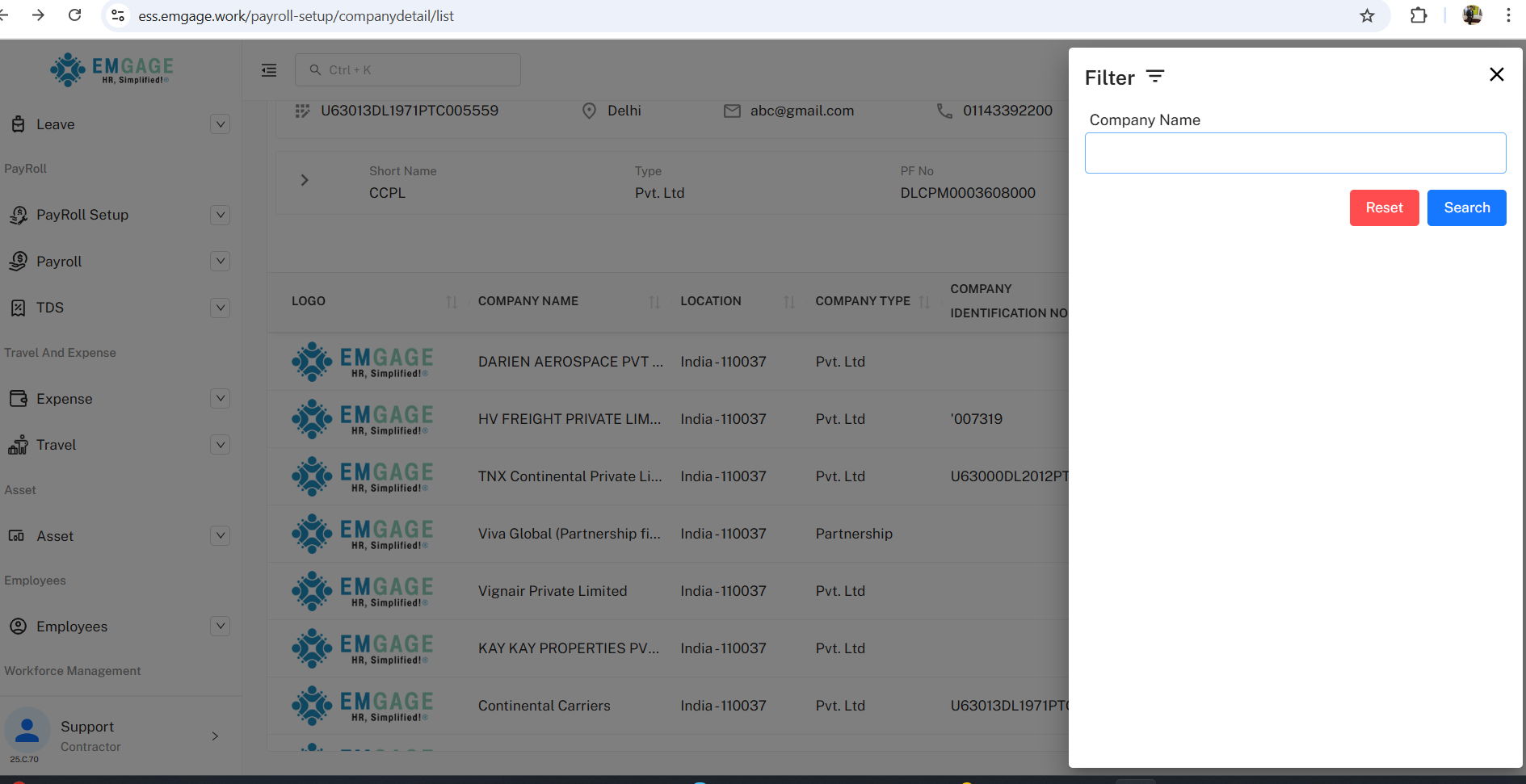
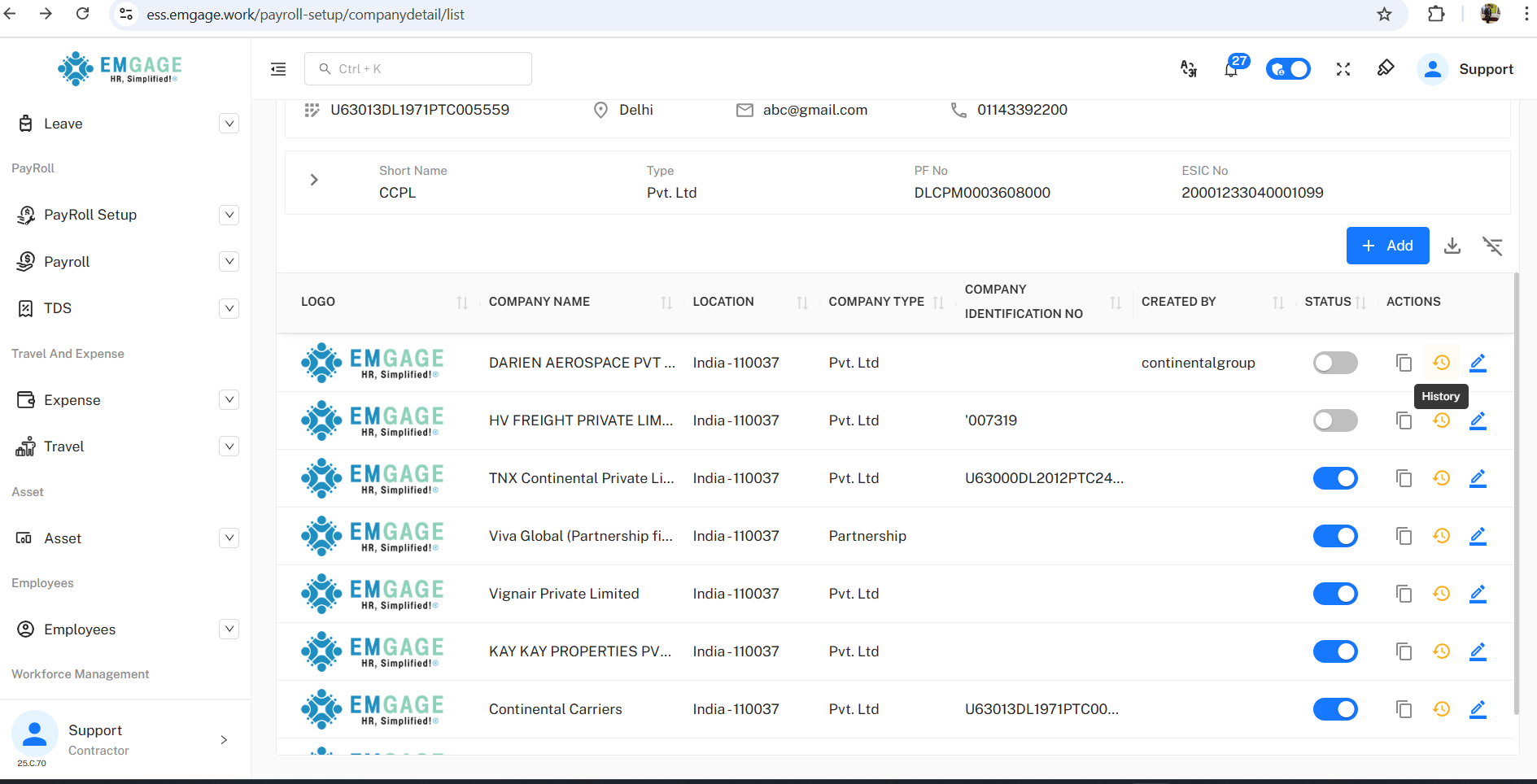
A live, filterable dashboard lists all companies for quick access and management.
Status Toggle: Instantly enable/disable companies in the payroll module.
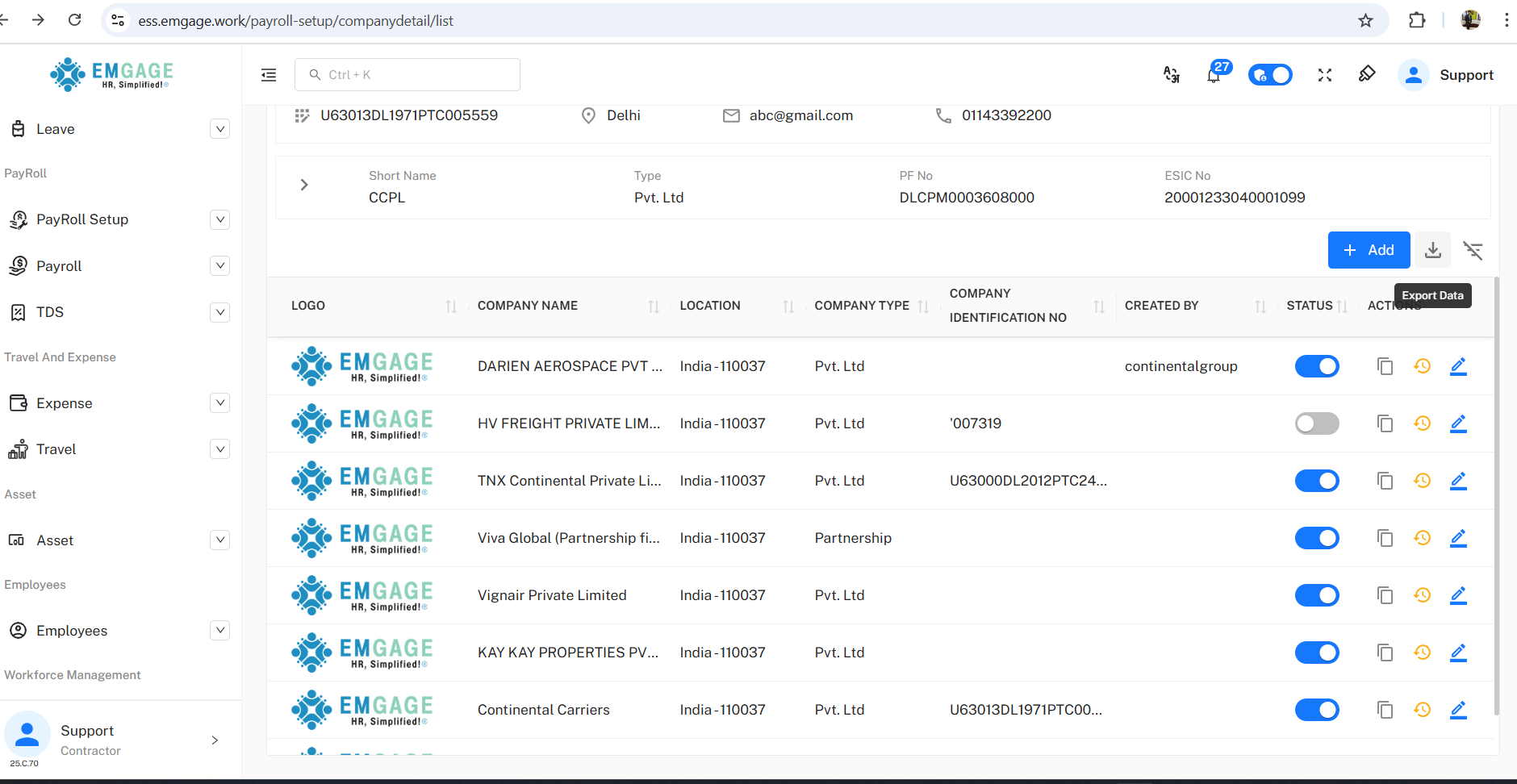
Bulk Actions: Export all records to XLS; apply search/filter by company name.
Edit/Copy/History: Direct edit, form cloning, and access to change history via icons.
History & Change Management
Each company record logs changes, including:
Event Trail: Shows editing/deactivation times, users, and the field values changed.
Detailed Snapshots: Retains previous registration, PAN, HR email, address, status, and associated staff info for full auditability.
Deactivation Prompt: When deactivating, prompts confirmation (“Are you sure want to deactivate…?”); inactivating or enabling company status updates immediately.
Best Practice Workflow
Add/Update Company: Fill all required details and save, ensuring compliance with validation checks.
Bulk Export: Use the "Export Data" button for analytics or compliance audits.
Activate/Deactivate: Toggle company status based on operational needs (e.g., mergers, account suspension).
Track Changes: Review the History section for a full timeline of edits, users, timestamp, and changes made.
Edit/Copy: Streamline workflows by duplicating existing companies as templates for faster onboarding of subsidiaries.