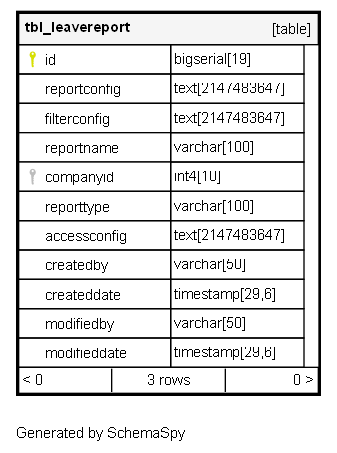
tbl_leavereport

3 rows


Description

Module: HRMS Leave Management
Purpose: Stores pre-configured leave report definitions with layout, filtering, and access control settings.
Data: Contains report configurations including column layouts, pivot table settings, filters, and user access rules.
Process Usage:
- Used by reporting engine to generate standardized leave reports with consistent formatting.
- Enables role-based access control for different report types and user hierarchies.
Key Points:
- Supports multiple report types (Applied Leave, Balance Reports, Team Analytics).
- Uses JSON configuration for flexible report layout and data aggregation.
- Implements access control based on user roles and organizational hierarchy.
Business Impact: Provides consistent, secure, and customizable reporting capabilities for leave management analytics.

Columns

Column Type Size Nulls Auto Default Children Parents Comments
id bigserial 19 nextval('tbl_leavereport_id_seq'::regclass)

Primary key
Format: BigSerial (auto-increment)
Used as: Unique identifier for each report configuration.

reportconfig text 2147483647 null

JSON configuration defining report structure and layout
Format: JSON string
Structure: Contains pivot table configuration with rows, columns, values, and aggregators
Key Fields: rows[], cols[], vals[], aggregatorName, rendererName
Examples:
- Rows: [“Employee Id”, “Employee Name”, “Leave Code”]
- Columns: [“Month”] for cross-tab reports
- Values: [“No. Of Days”, “Closing Balance”] for aggregation
Usage: Drives the visual layout and data aggregation in the report output.

filterconfig text 2147483647 null

JSON configuration for report filtering criteria
Format: JSON string
Usage: Defines default filters and filterable dimensions for the report
Integration: Used in getLeaveReport() method to apply dynamic filtering based on user selection.

reportname varchar 100 null

Human-readable name for the report
Format: String
Examples: “Leave Applied/Availed”, “Leave Balance Report”, “Team monthly leave count-Category Wise”
Usage: Displayed in report selection interfaces and dashboard widgets.

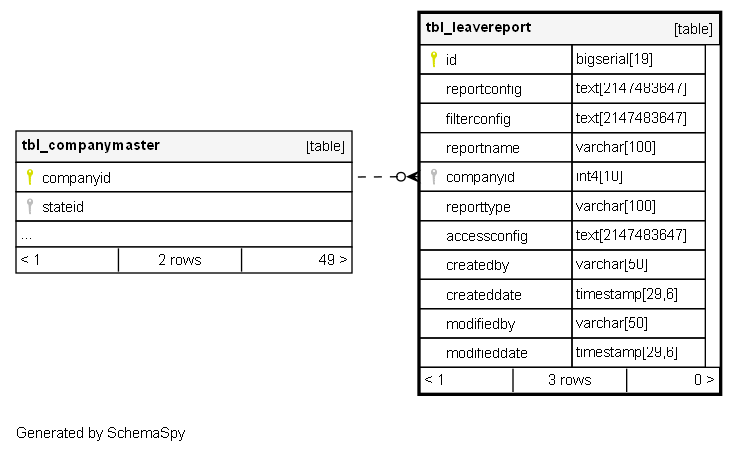
companyid int4 10 null
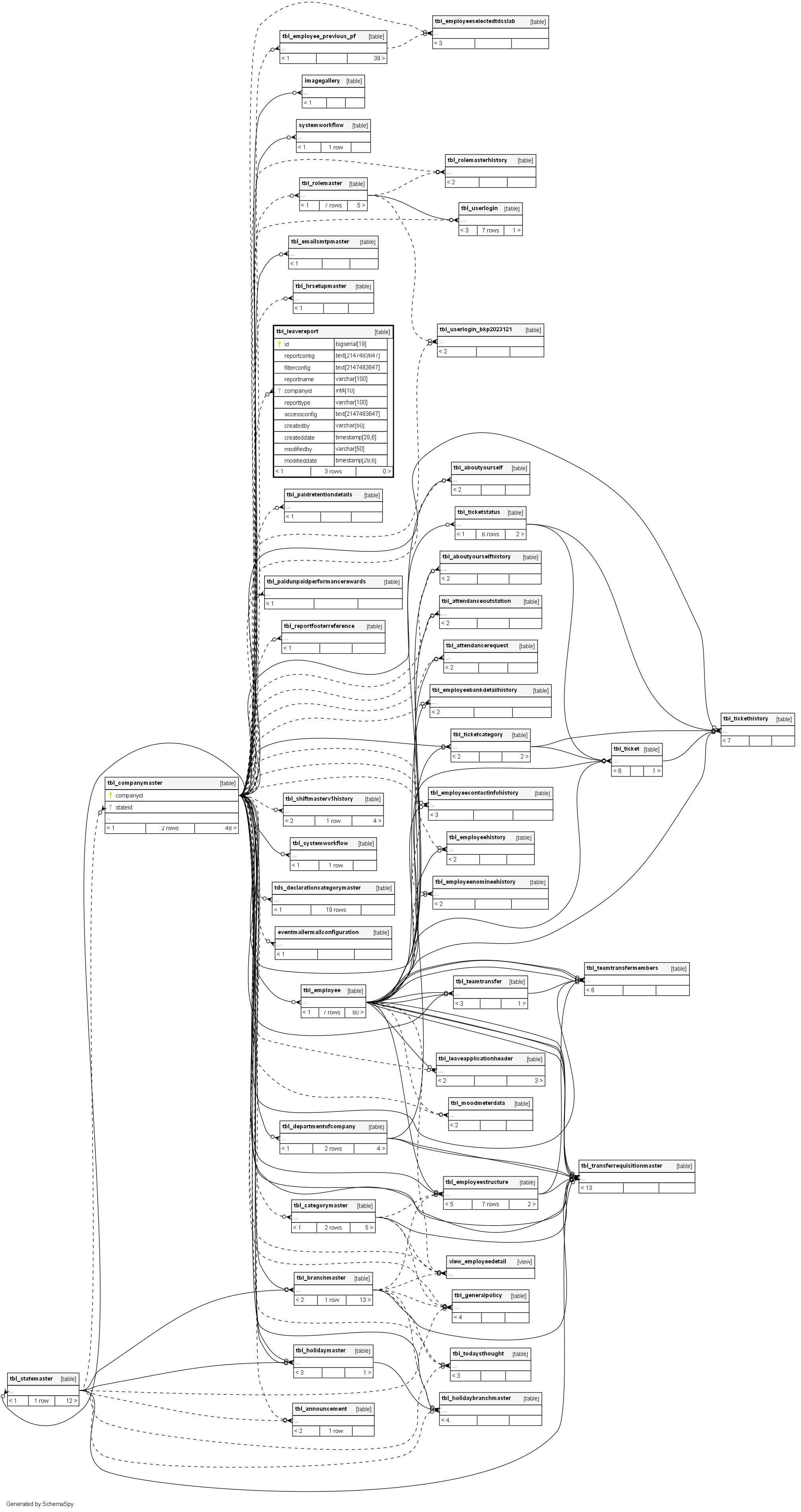
tbl_companymaster.companyid Implied Constraint R

FK: public.tbl_companymaster.companyid
Meaning: Company that owns this report configuration.
Usage: Enables multi-tenant report configuration isolation.

reporttype varchar 100 null

Category identifier for the report
Format: String
Values: “appliedLeaveReport”, “leaveBalanceReport”, “teamLeaveReport”
Usage: Groups related reports and determines which query logic to execute in getLeaveReport() method.

accessconfig text 2147483647 null

JSON configuration for role-based access control
Format: JSON string
Structure: Defines which user roles/departments can access this report
Filter Criteria: Designation, Department, State, Branch, Pay Cadre, SBU, Employee Type
Usage: In getReportWidgets() method to filter reports based on user’s organizational attributes
Admin Override: Administrators bypass access control and see all reports.

createdby varchar 50 null
createddate timestamp 29,6 null
modifiedby varchar 50 null
modifieddate timestamp 29,6 null

Indexes

Constraint Name Type Sort Column(s)
pk_tbl_leavereport_id Primary key Asc id
ux_tbl_leavereport_companyid_reportname Must be unique Asc/Asc companyid + reportname

Relationships